
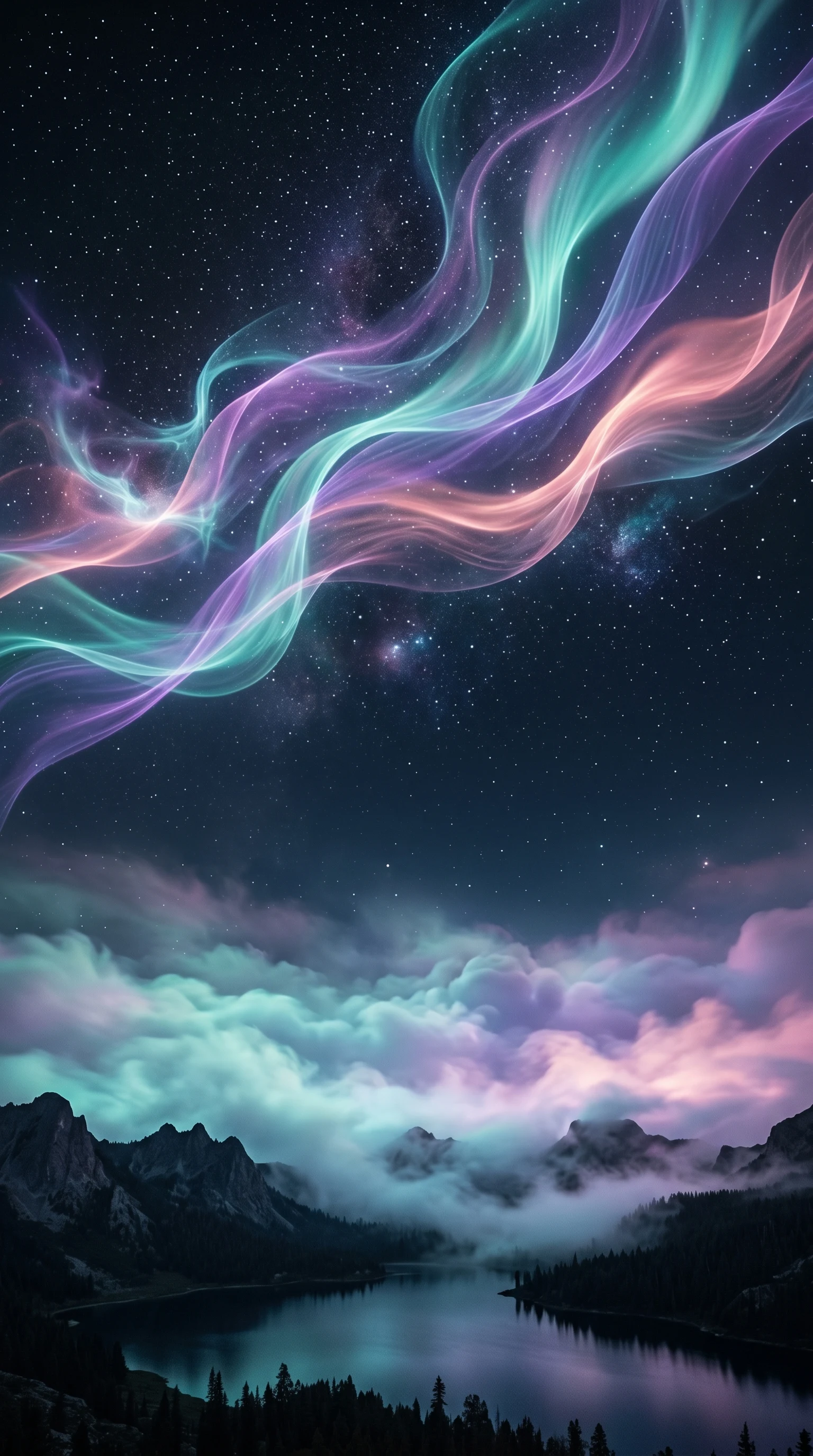
Stable Diffusion Web: Stable Diffusion Online AI Image Generator
Generate images from a prompt with SDXL, or restyle a reference image with image-to-image - all in the browser, with no Stable Diffusion install and no GPU.
0 / 5,000 characters
Styles to Start From
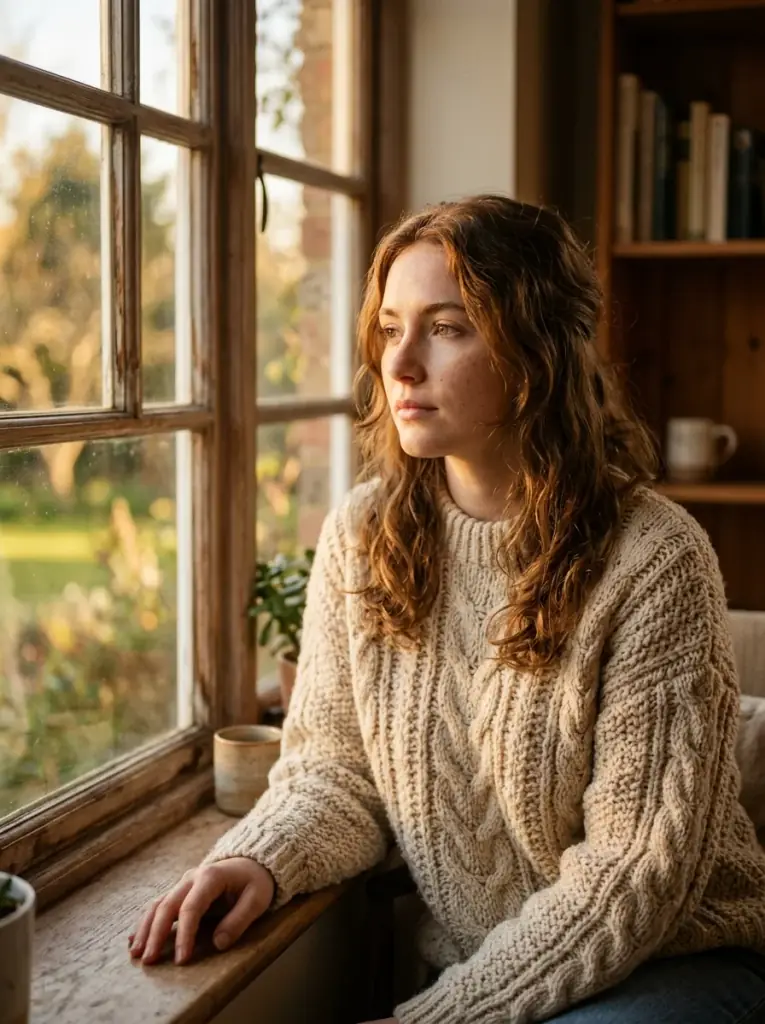
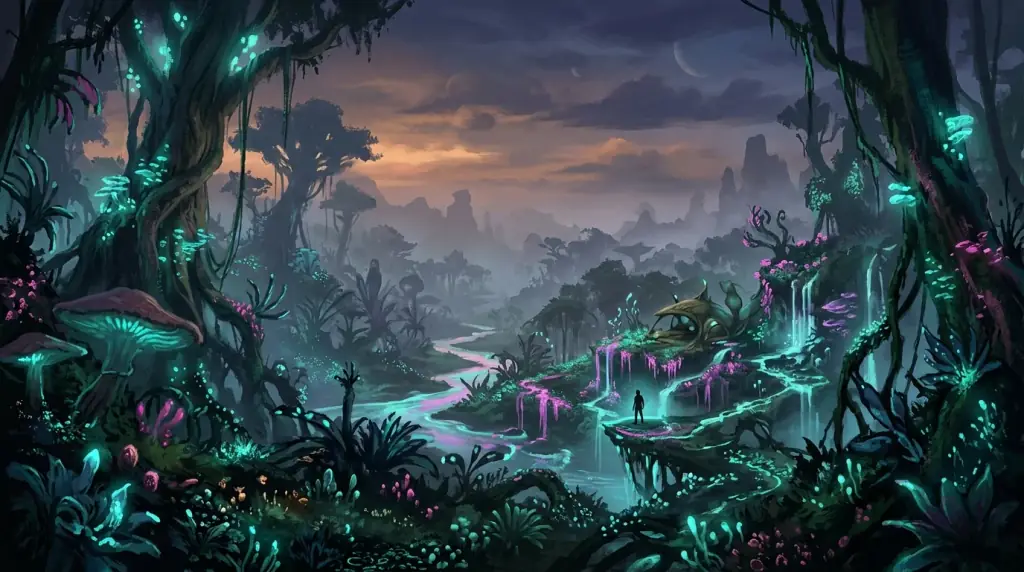
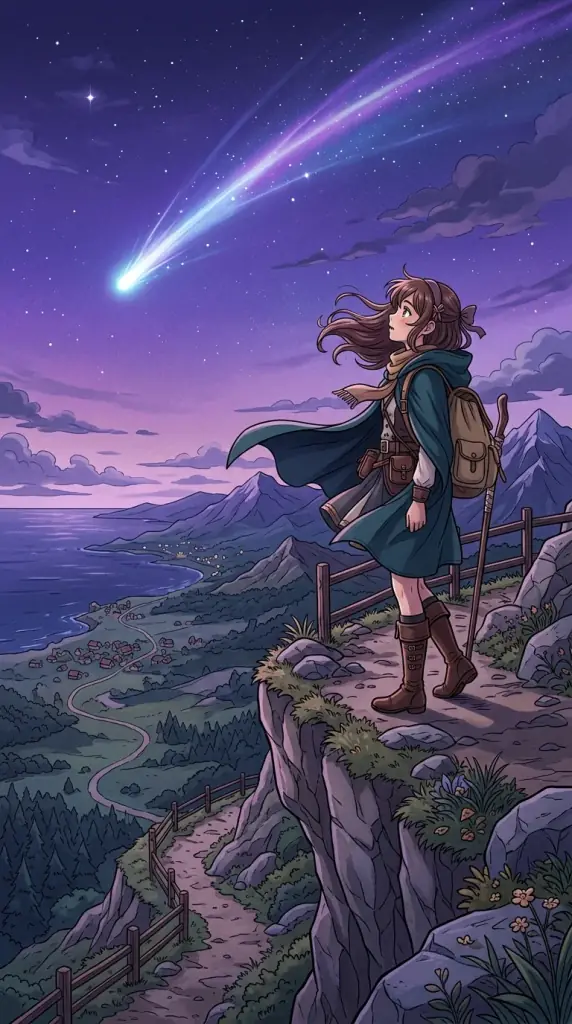
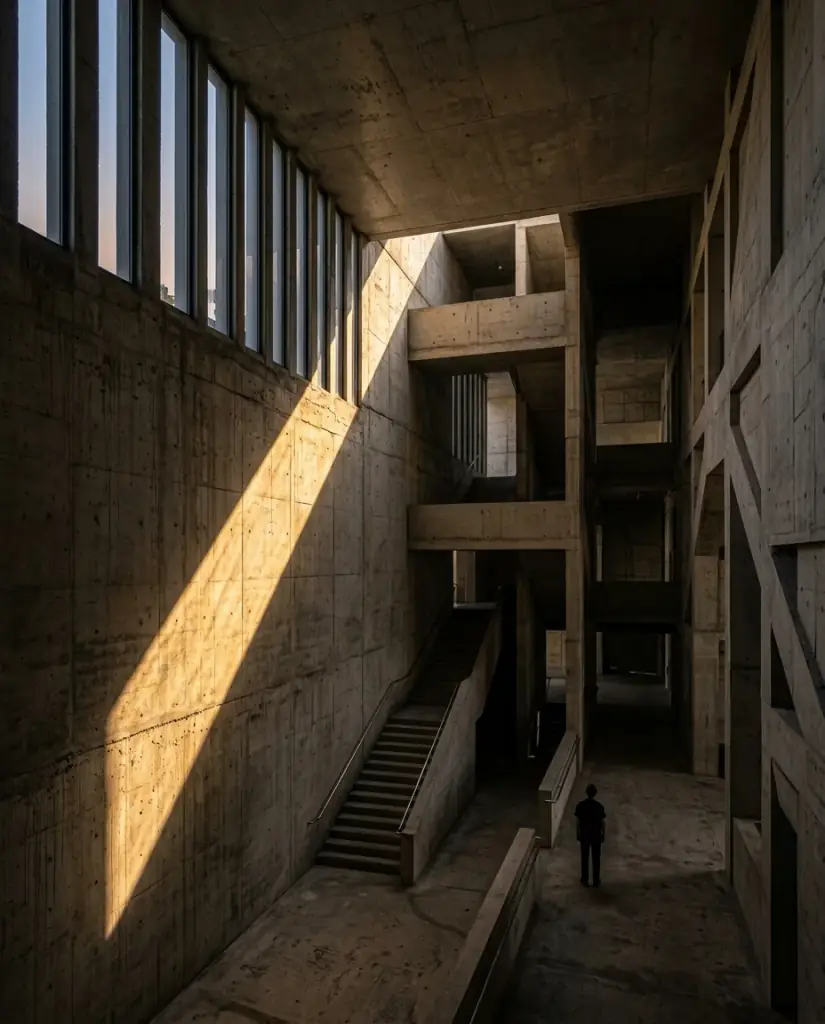
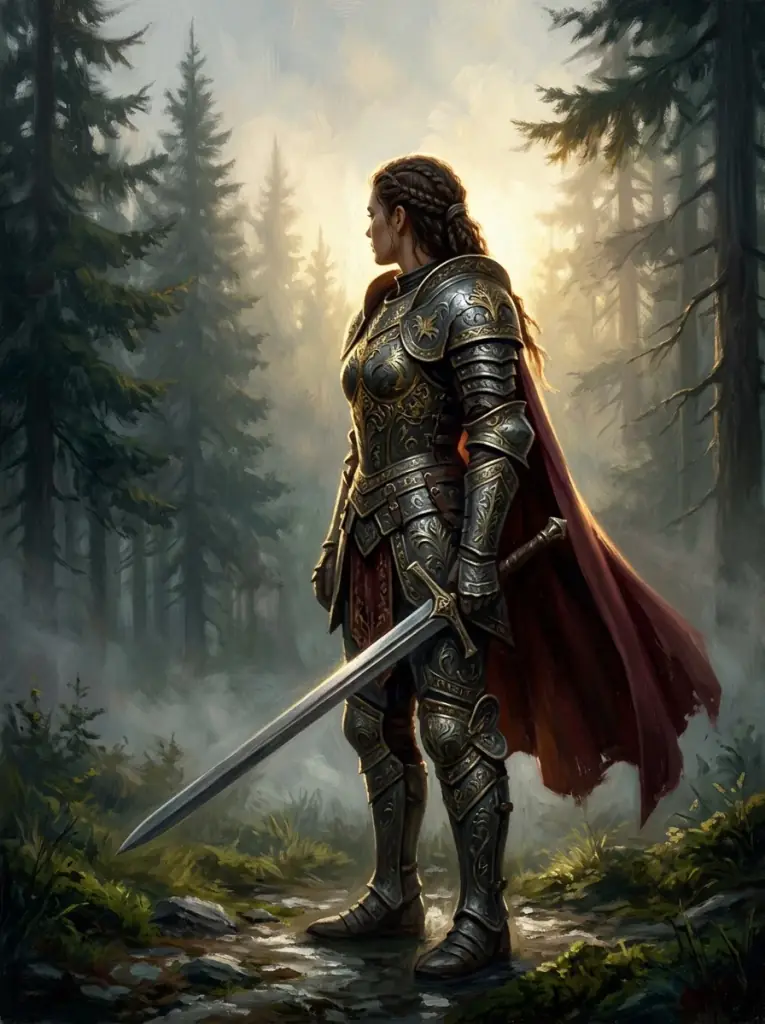
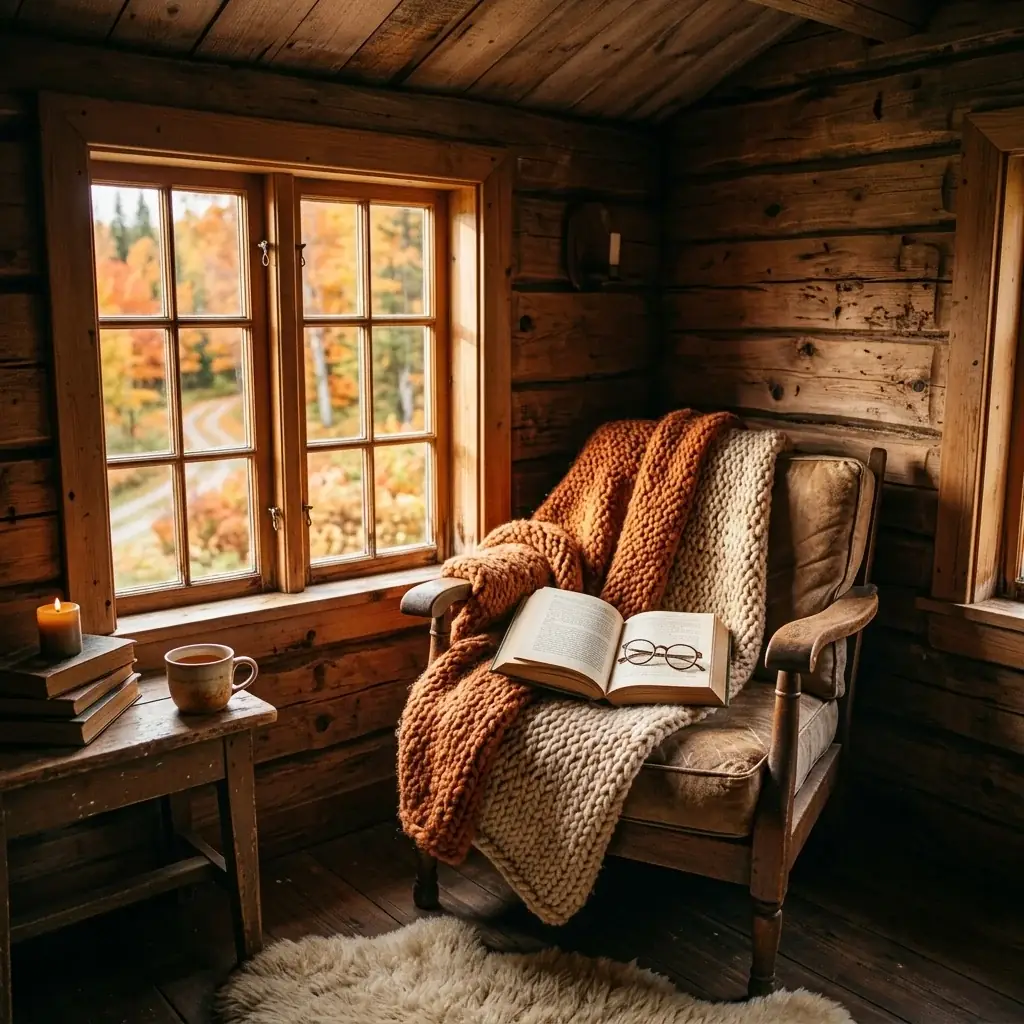
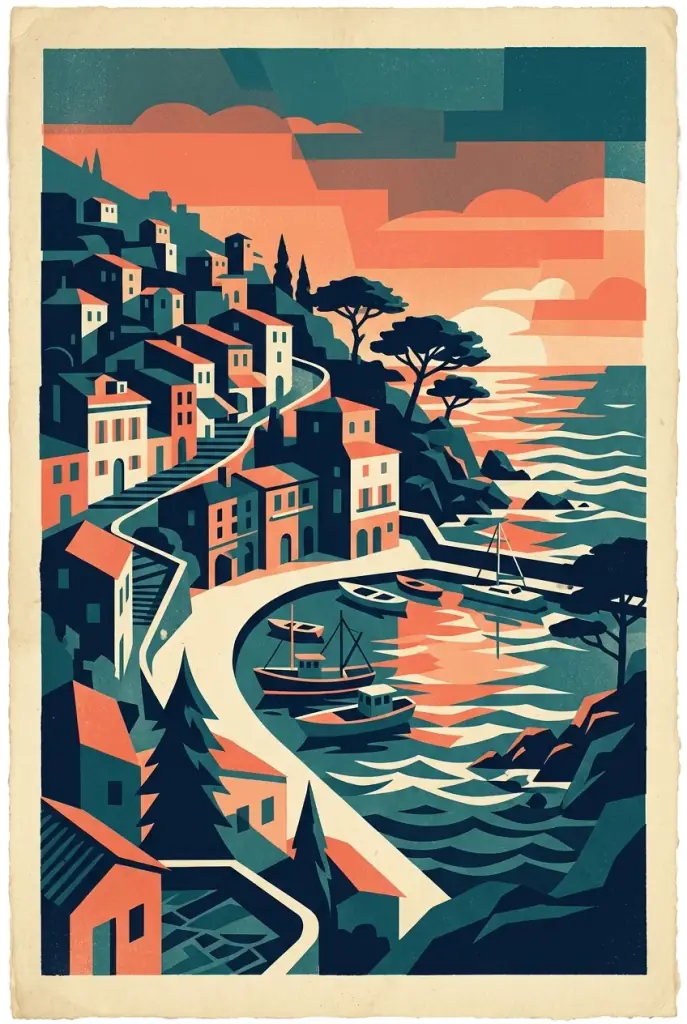
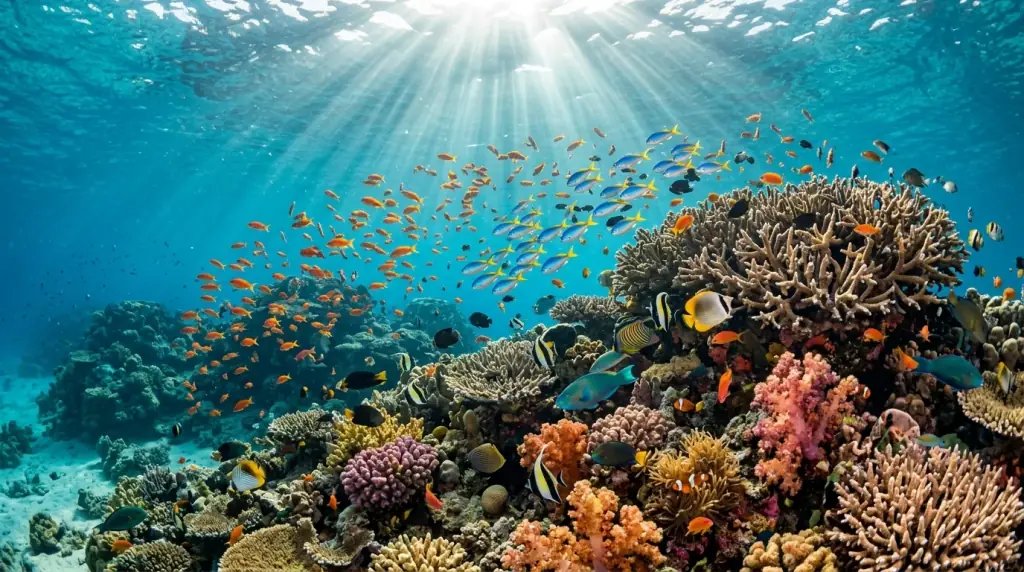
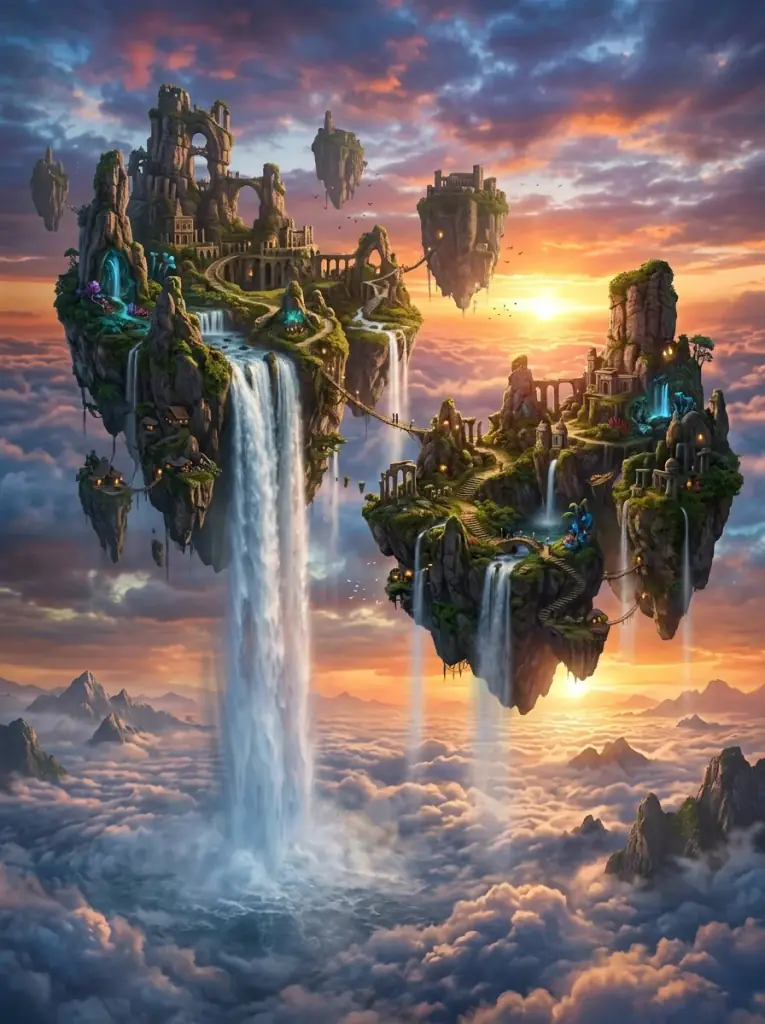
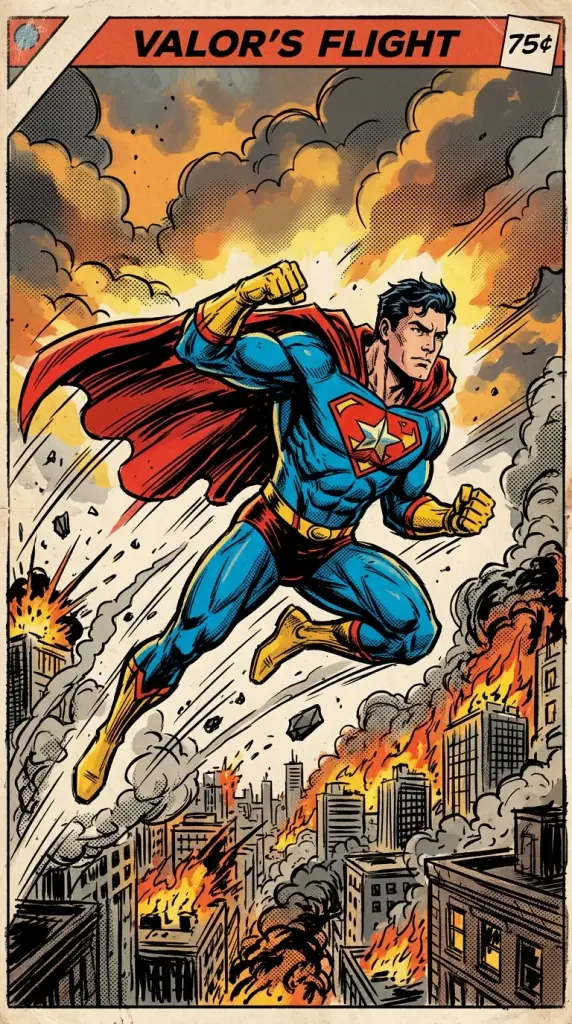
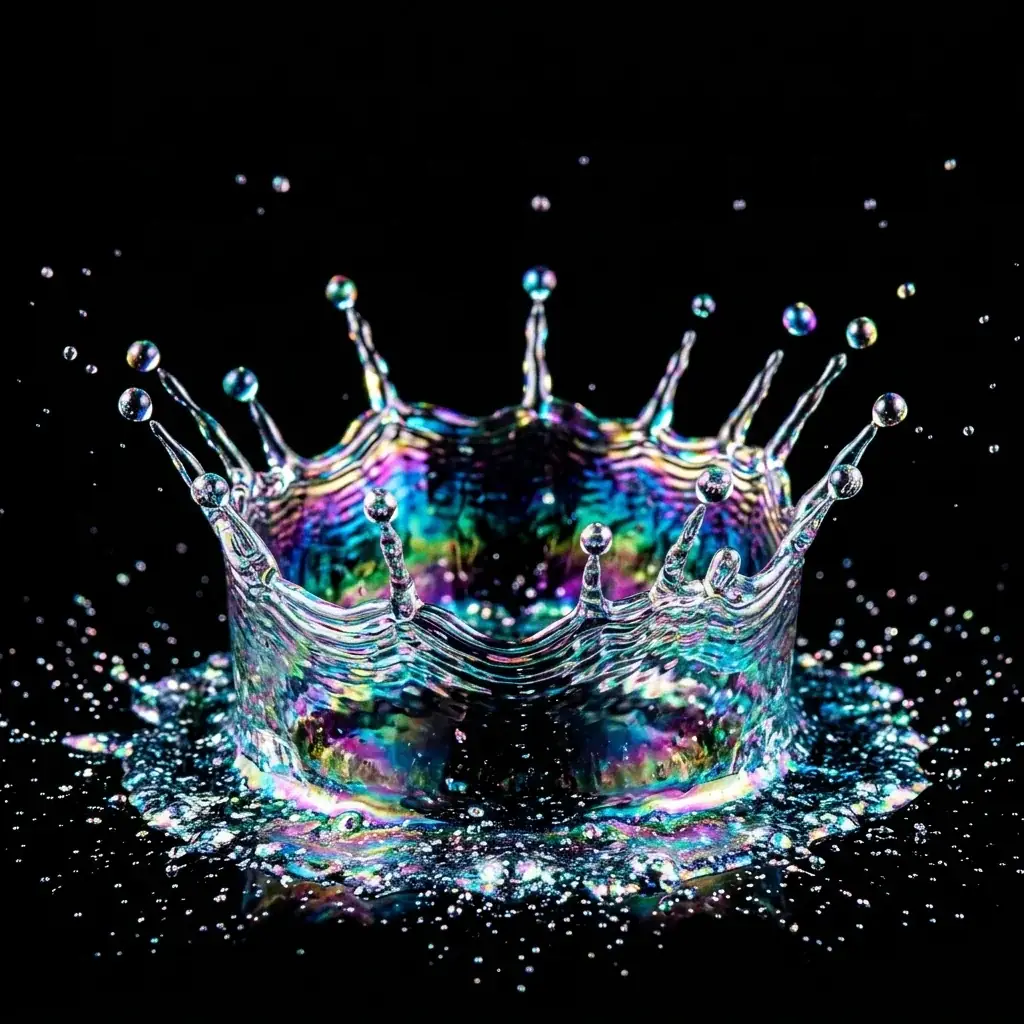
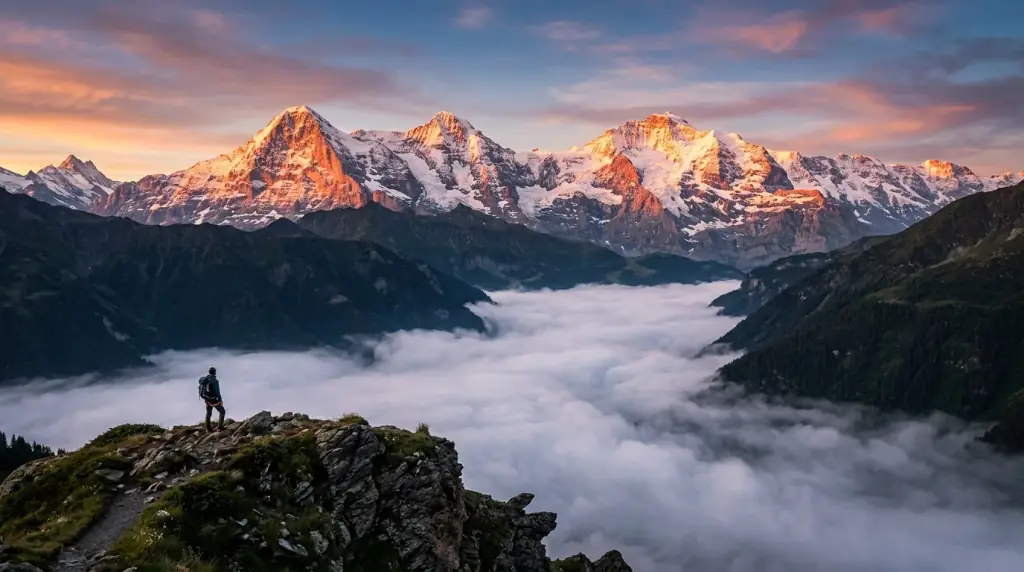
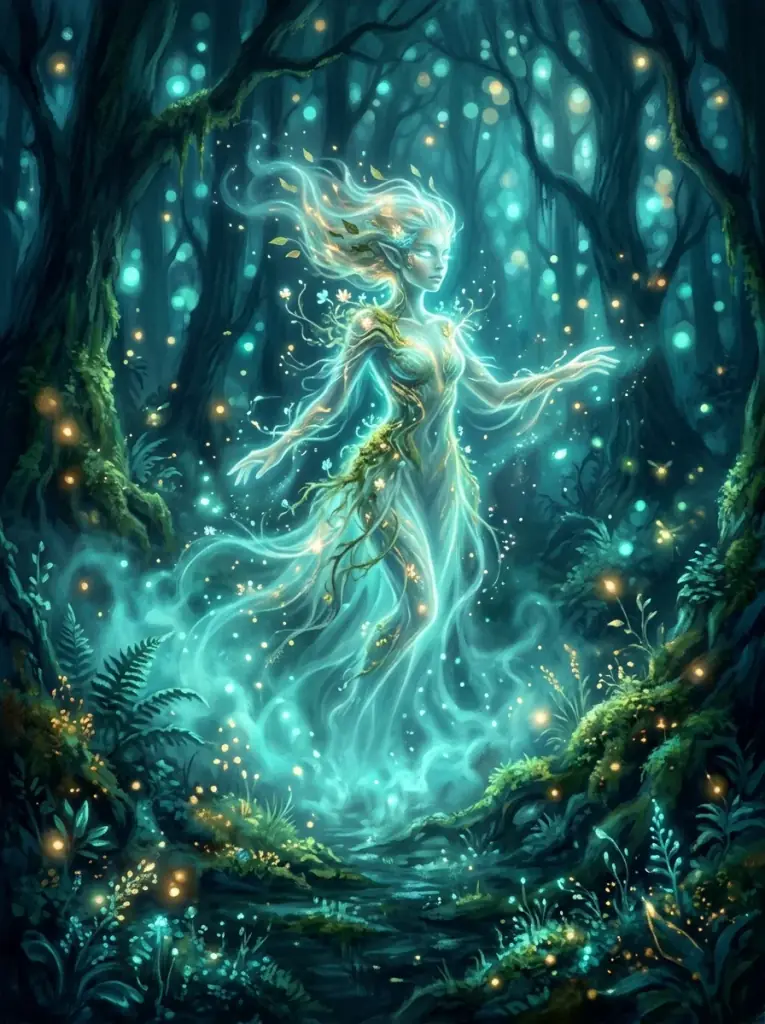
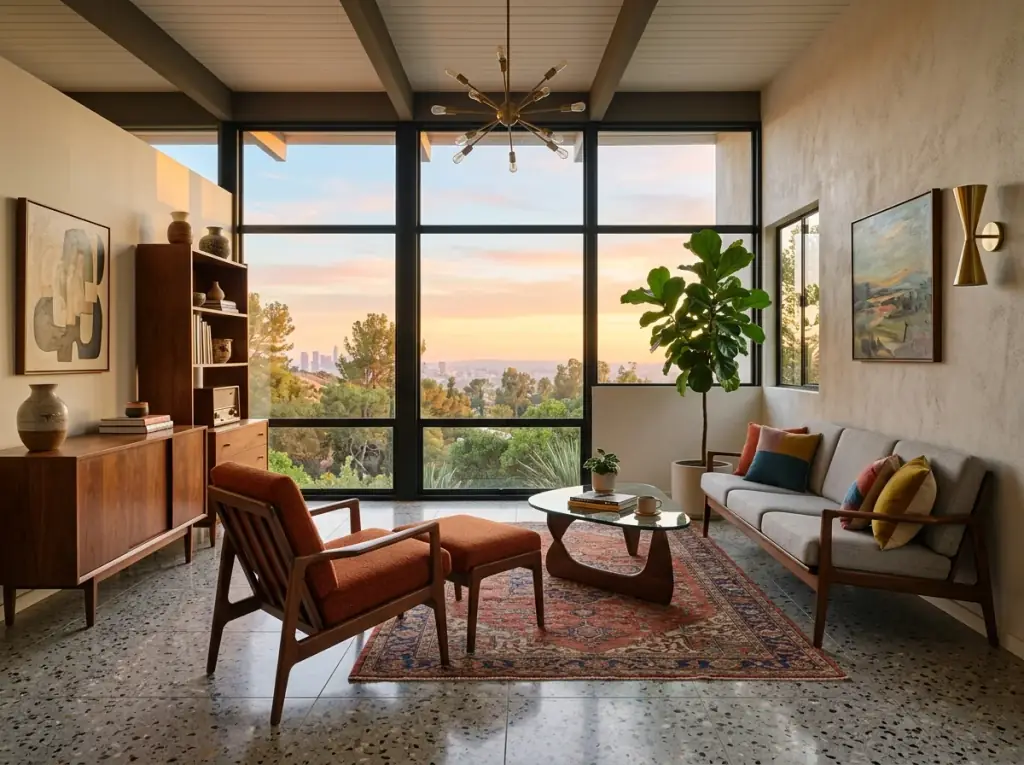
Example images for common starting points - photoreal portraits, concept art, product mockups, and stylized illustration. Each one links to its full prompt on the Stable Diffusion prompts page.

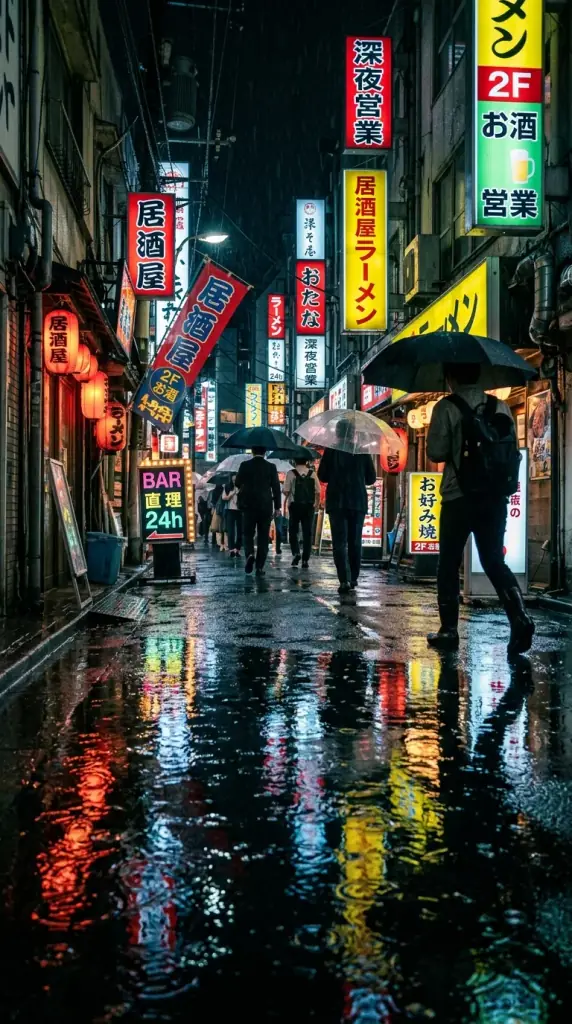
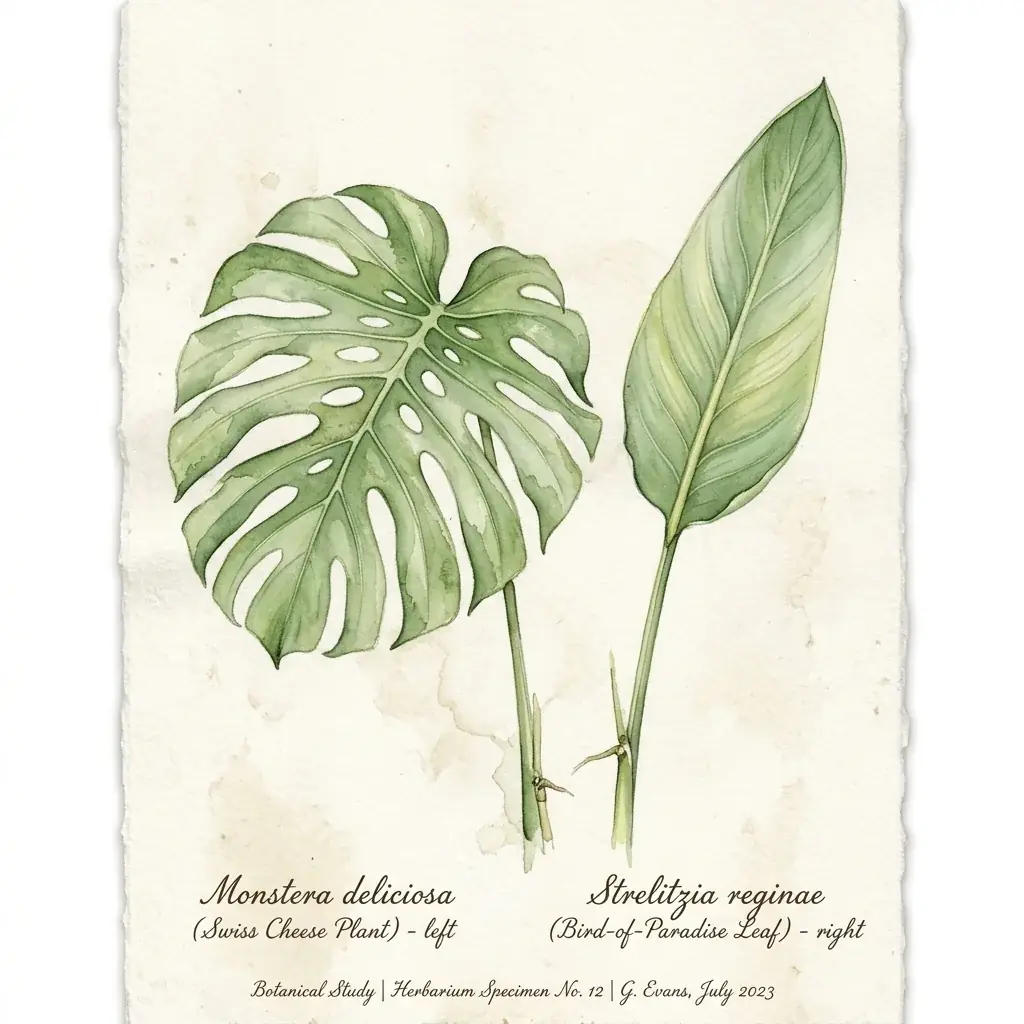
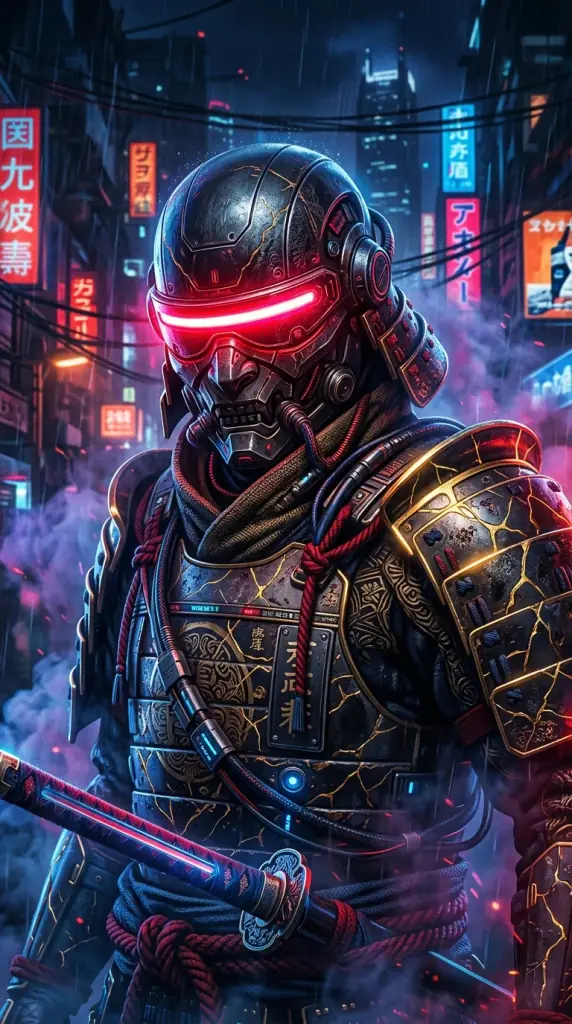
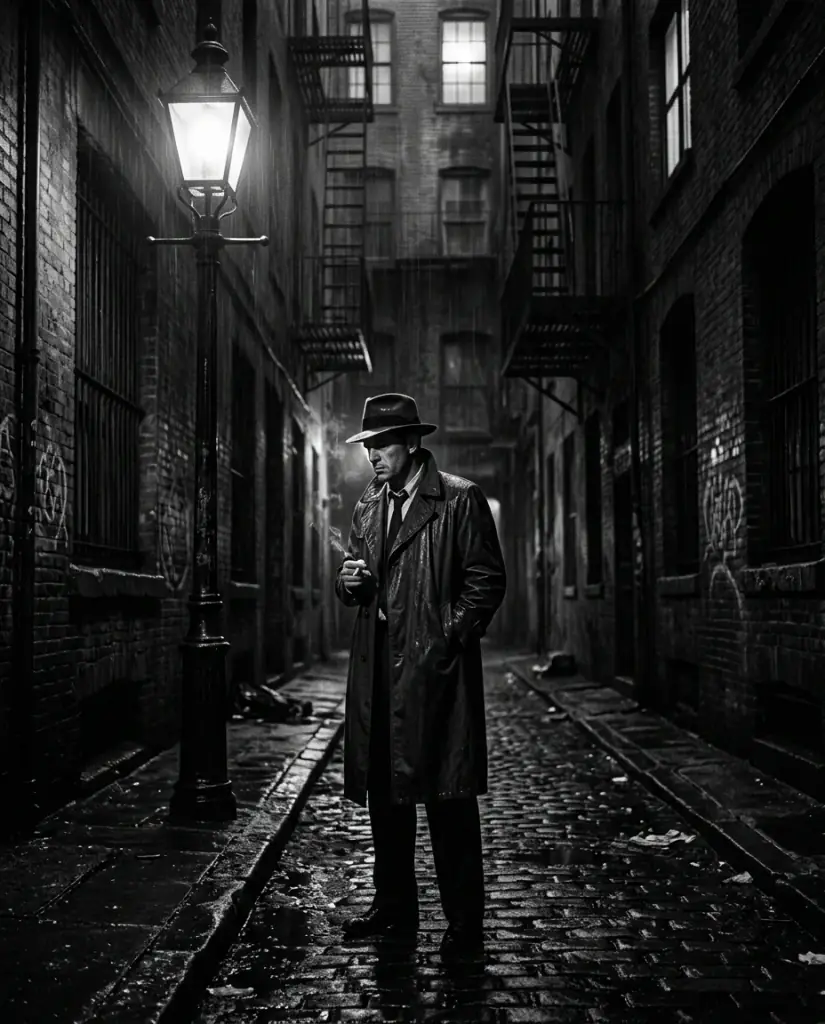

Prompts You Can Copy and Reuse
Start from proven Stable Diffusion prompts - portrait, product, concept art, and stylized poster work - and drop them straight into the playground.
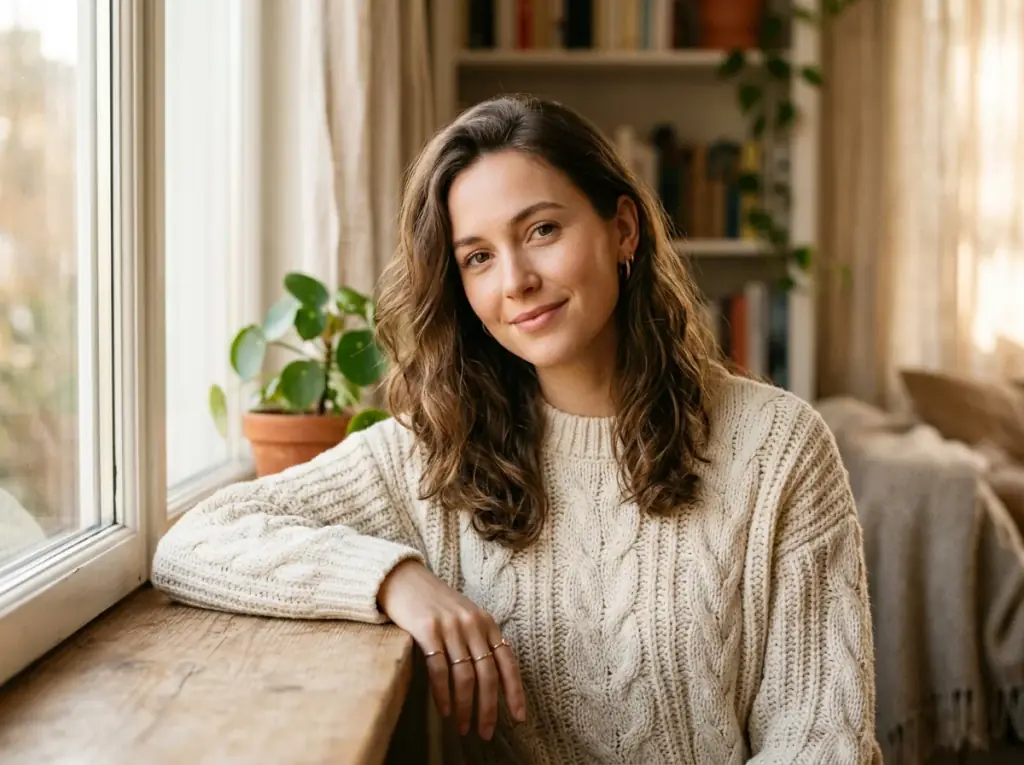
Cinematic Portrait
Cinematic portrait of a young woman, golden hour light, 85mm lens, shallow depth of field, soft skin texture, photorealistic, ultra-detailed

Product Photography
Studio product photography of a glass perfume bottle, soft directional lighting, gradient backdrop, hyper-detailed reflections, commercial render
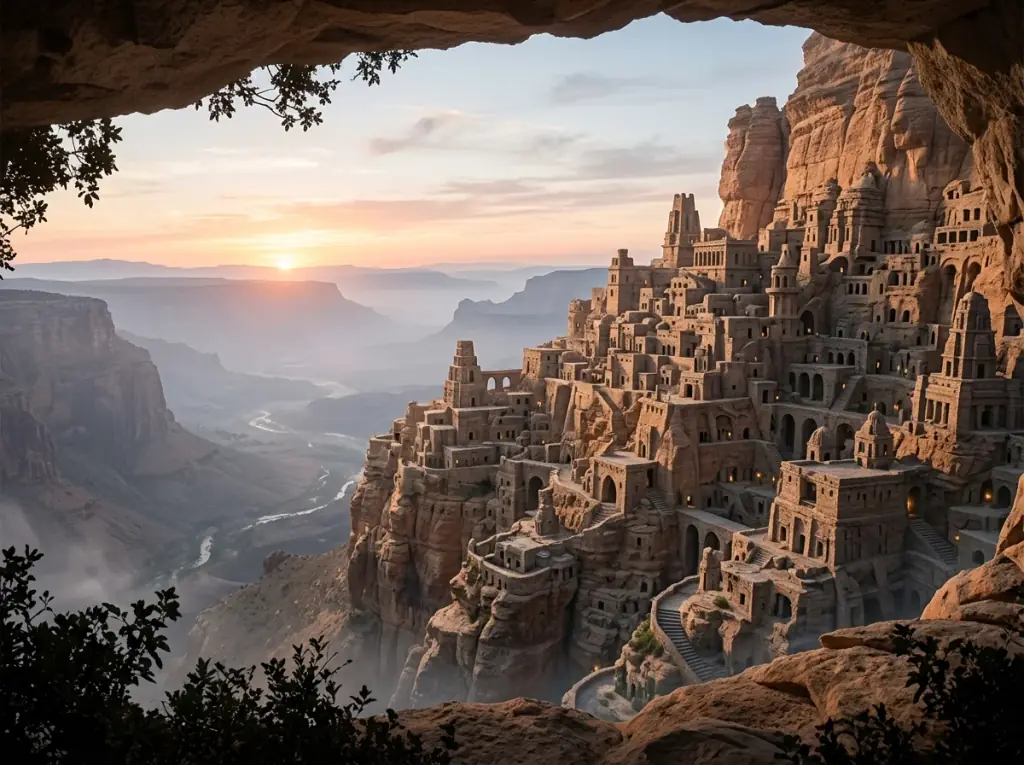
Concept Art
Sprawling cliffside city at dawn, layered architecture carved into stone, atmospheric haze, sweeping concept art, intricate detail
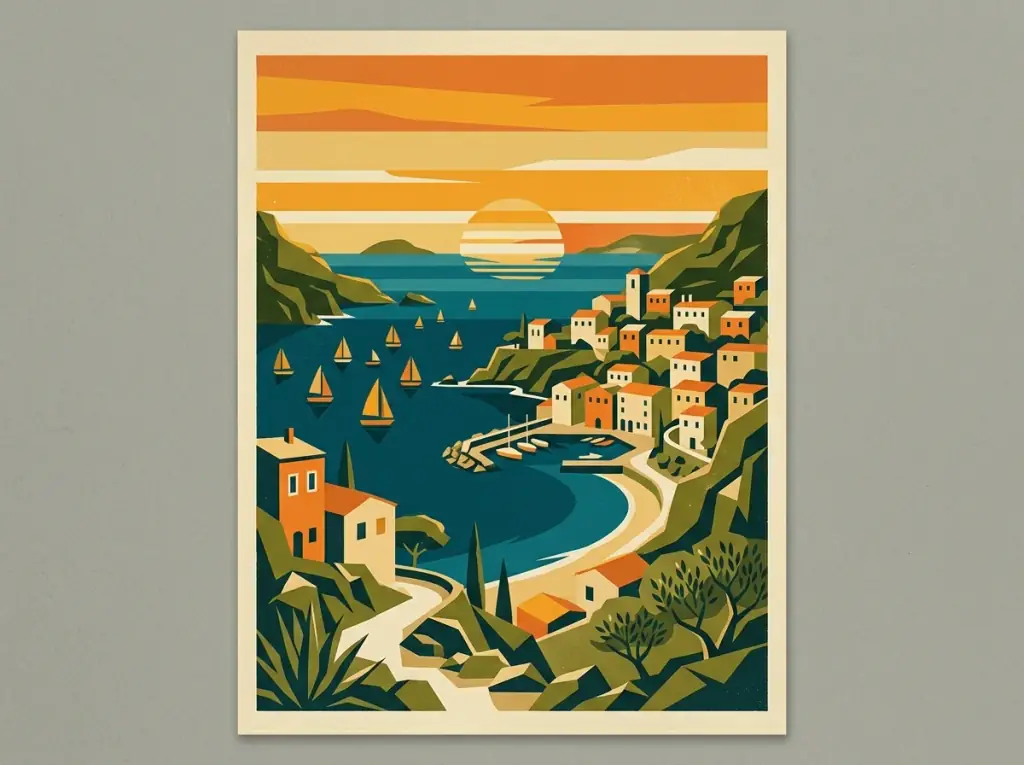
Stylized Poster
Retro-modern travel poster of a coastal town, flat geometric shapes, limited 4-color palette, vintage typography, screen-printed texture
What You Can Do With Stable Diffusion Online
Three ways to start in the same browser playground: Stable Diffusion text to image, image to image with reference-image models, and prompt templates.

Text-to-Image
Generate an image from a text prompt with SDXL.
Write up to 5,000 characters, list what you do not want in a negative prompt, and pick one of seven aspect ratios and a size from 512 to 2048 pixels - no install and no GPU.

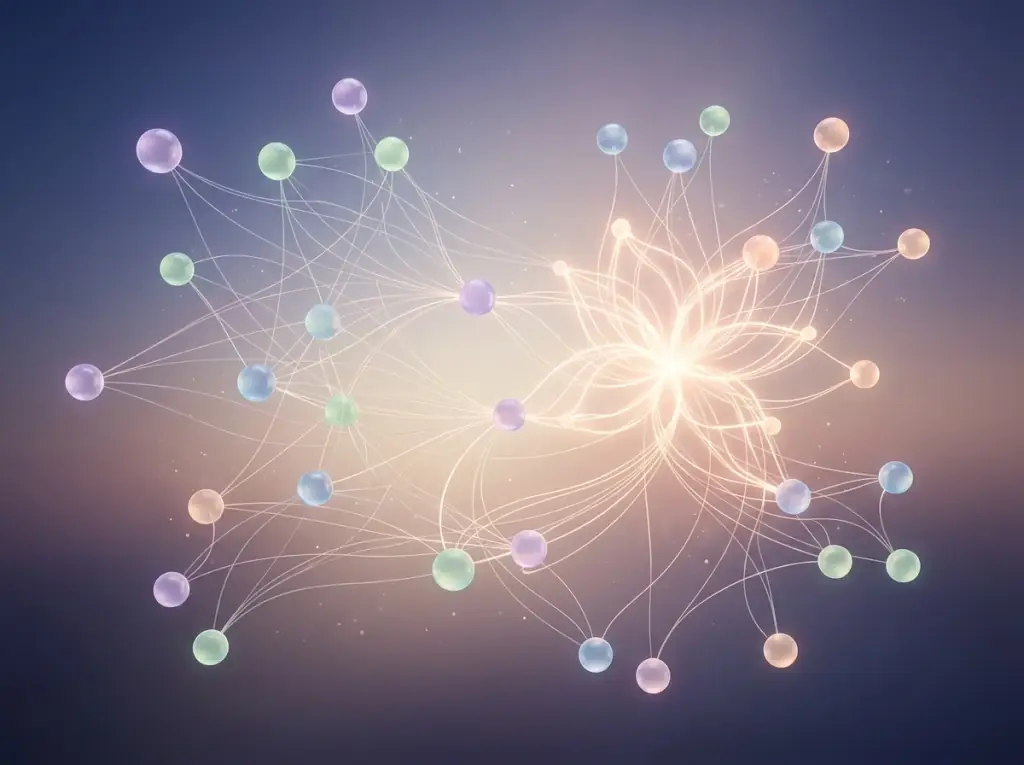
How to Use Stable Diffusion Online, Step by Step
Four steps that turn a vague idea into an image you can actually ship.
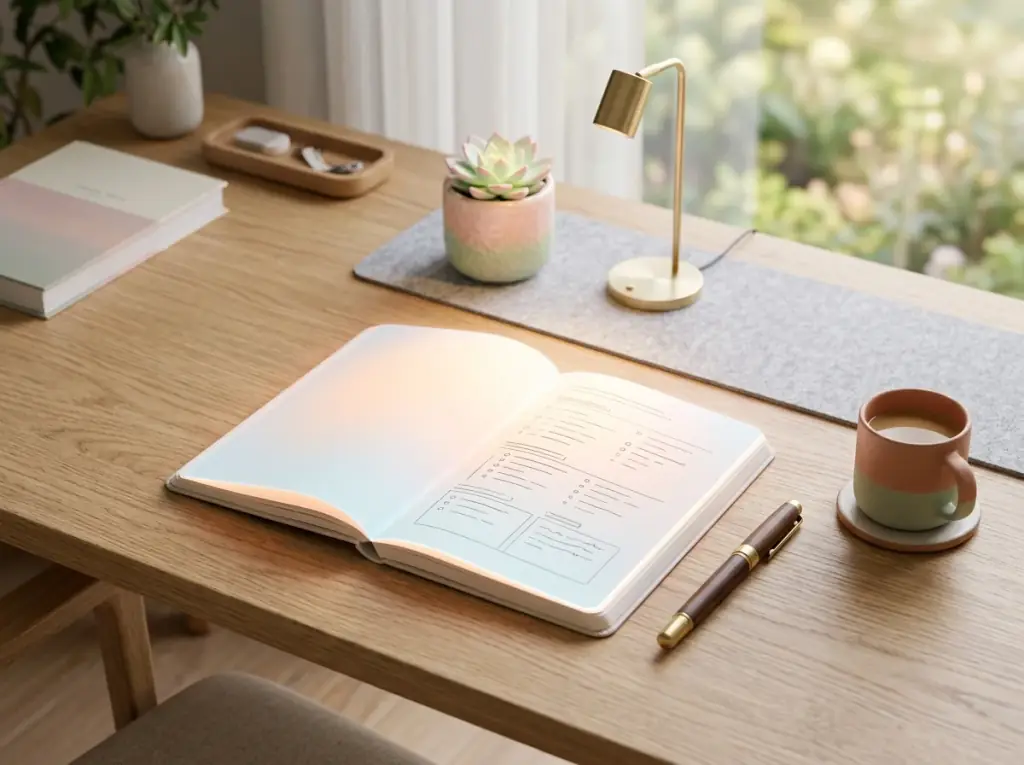

Write the prompt that matches what you actually want
1. Start With Intent
Describe subject, style, lighting, framing, and the things you do NOT want. The model responds to specificity - a sharper prompt produces a more usable first generation.
Aspect ratio, steps, negative prompt
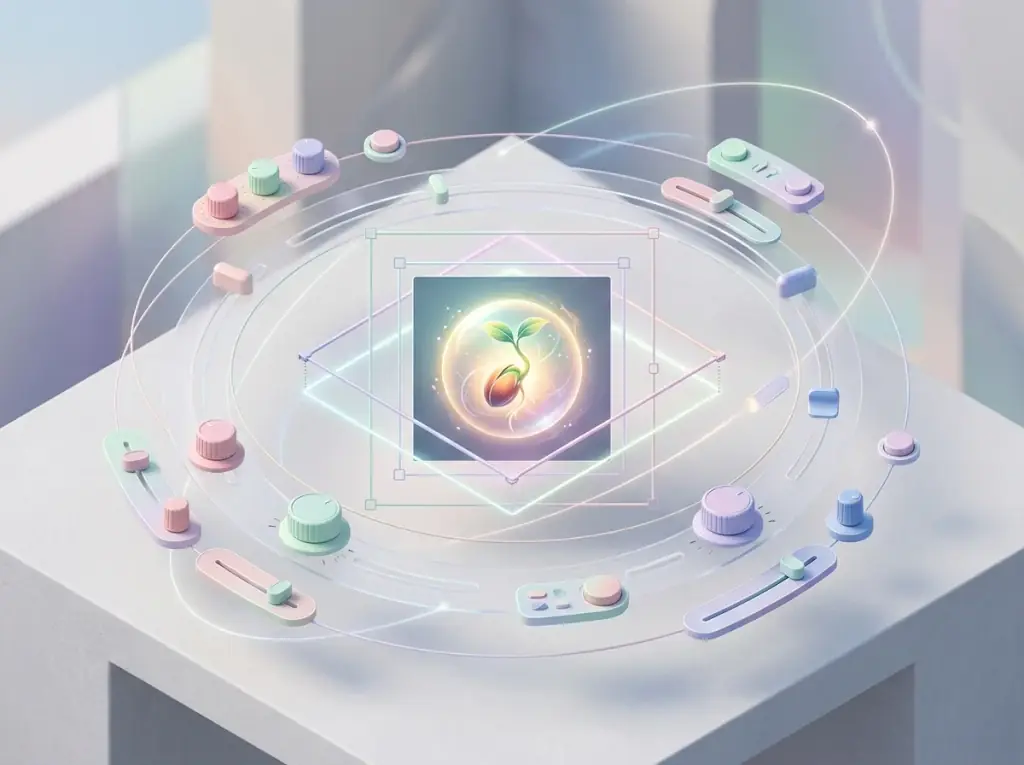
2. Tune The Settings
Pick an aspect ratio that matches your scene, raise the step count when you need fine detail, and add a negative prompt to steer the model away from artifacts you keep seeing.
Anchor composition, then push style
3. Refine With Image-to-Image
When text-only prompting drifts, switch to a reference-image model such as Nano Banana or Flux Kontext Pro and give it the image you like. It keeps the composition and lets the prompt change the style around it.
Treat prompts as playbooks, not one-offs
4. Save What Worked
The prompts that produced your best images become repeatable templates. Tweak by scene and subject; keep the structure that got you there.
Simple, Credit-Based Pricing
Credit packs that never expire. Use them across text-to-image, image-to-image, and video in the same playground.
Cancel anytime - unused credits stay until your period ends.
Yearly
Billed yearly $192.00
19,000 credits/year
Up to 260 Videos/Month Up to 520 Images/Month
- IncludedBrowser-first image workflow
- IncludedFocused image model lineup
- IncludedCommercial Usage RightsUse outputs in client work, ads, and products on this plan.
- IncludedDownloadDownload finished files from your library.
- IncludedNo WatermarkExport without a platform watermark.
- IncludedPrivate generationsKeep prompts and outputs off the public gallery.
- IncludedFull year of credits upfrontAnnual exclusiveYour full annual credit balance is delivered upfront and stays valid for 12 months.
Pro Yearly
Billed yearly $276.00
36,000 credits/year
Up to 500 Videos/Month Up to 1000 Images/Month
- IncludedBrowser-first image workflow
- IncludedFocused image model lineup
- IncludedCommercial Usage RightsUse outputs in client work, ads, and products on this plan.
- IncludedDownloadDownload finished files from your library.
- IncludedNo WatermarkExport without a platform watermark.
- IncludedPrivate generationsKeep prompts and outputs off the public gallery.
- IncludedFull year of credits upfrontAnnual exclusiveYour full annual credit balance is delivered upfront and stays valid for 12 months.
Studio Yearly
Billed yearly $384.00
64,800 credits/year
Up to 900 Videos/Month Up to 1800 Images/Month
- IncludedBrowser-first image workflow
- IncludedFocused image model lineup
- IncludedCommercial Usage RightsUse outputs in client work, ads, and products on this plan.
- IncludedDownloadDownload finished files from your library.
- IncludedNo WatermarkExport without a platform watermark.
- IncludedPrivate generationsKeep prompts and outputs off the public gallery.
- IncludedFull year of credits upfrontAnnual exclusiveYour full annual credit balance is delivered upfront and stays valid for 12 months.
Ultra Yearly
Billed yearly $828.00
Choose credits
144,000
144,000 · $69.00/mo
144,000 credits/year
Up to 2000 Videos/Month Up to 4000 Images/Month
- IncludedBrowser-first image workflow
- IncludedFocused image model lineup
- IncludedCommercial Usage RightsUse outputs in client work, ads, and products on this plan.
- IncludedDownloadDownload finished files from your library.
- IncludedNo WatermarkExport without a platform watermark.
- IncludedPrivate generationsKeep prompts and outputs off the public gallery.
- IncludedFull year of credits upfrontAnnual exclusiveYour full annual credit balance is delivered upfront and stays valid for 12 months.
- IncludedAPI accessUltra annual exclusiveCreate API keys and drive generations from your own code, agents and MCP clients.
Secure checkout. Available payment methods are confirmed before payment.
Frequently Asked Questions
The questions people search for most before they try Stable Diffusion online - covering models, prompts, parameters, licensing, and privacy.
New to it? Read how Stable Diffusion works, its versions and licenses, or see the settings each model takes on the SDXL and DreamShaper 8 pages.
Start Generating With Stable Diffusion
Open the playground, drop in a prompt, and run Stable Diffusion online - the credit cost shows before you generate.