
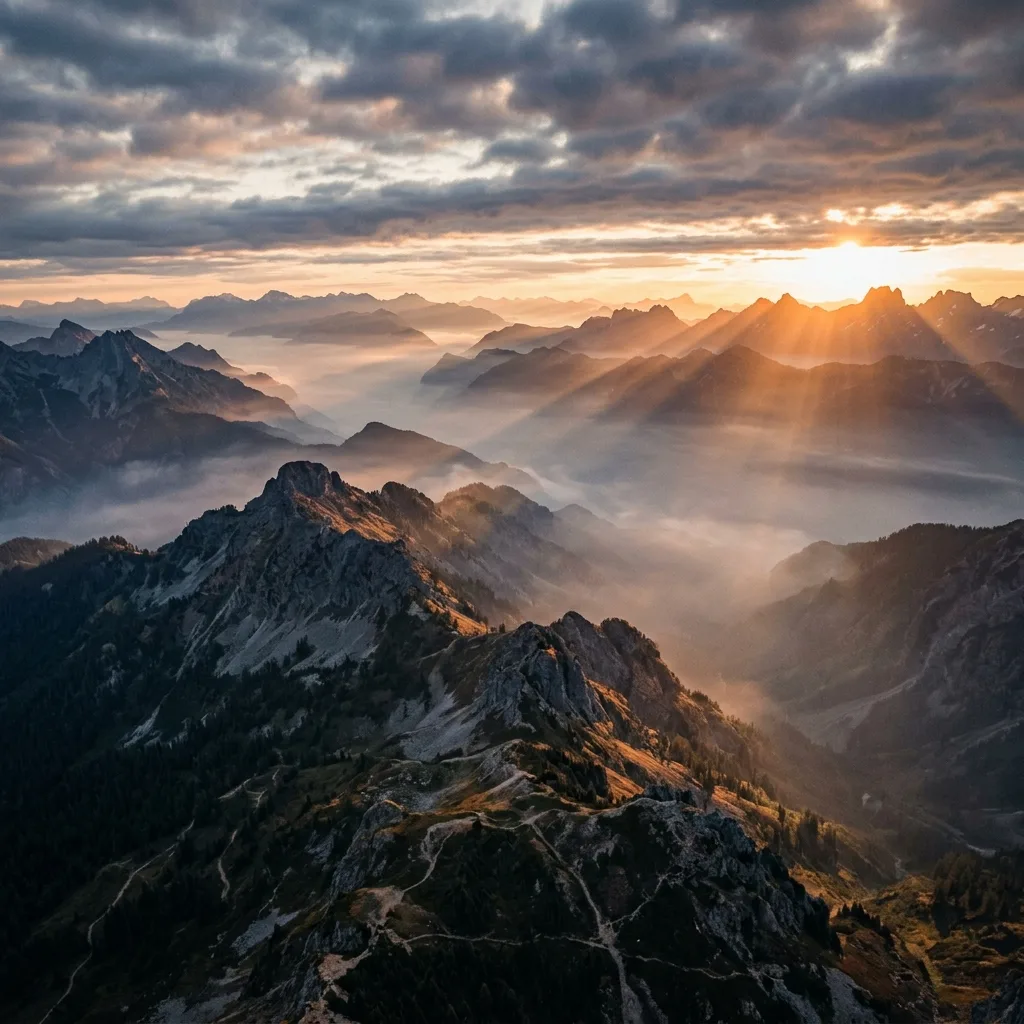
Aerial sunrise drifting over misty mountains
Text to Video Generator
Type a scene description; the text to video generator returns a short cinematic clip with camera movement, characters, and atmosphere.
Who uses text-to-video, and for what?
Video creators, marketers, and storyboard artists use text-to-video for short concept scenes, vertical social clips, product motion, and ambient plates when no approved starting frame exists.

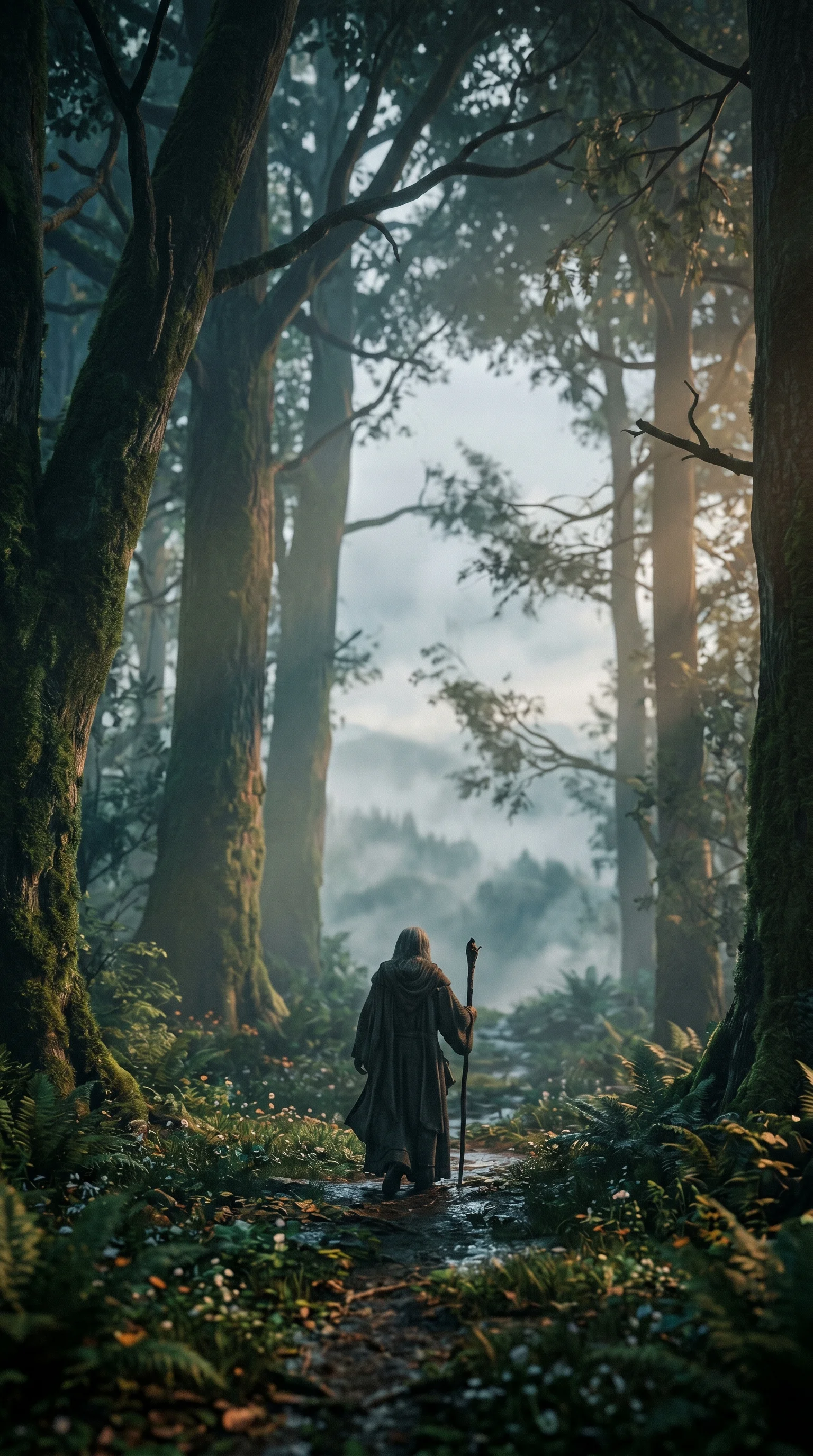
Vertical Clips
Type the scene and get a 9:16 clip for Instagram, TikTok or Shorts. Clips are not built to loop, so cut on a natural pause.


Videos You Can Prompt
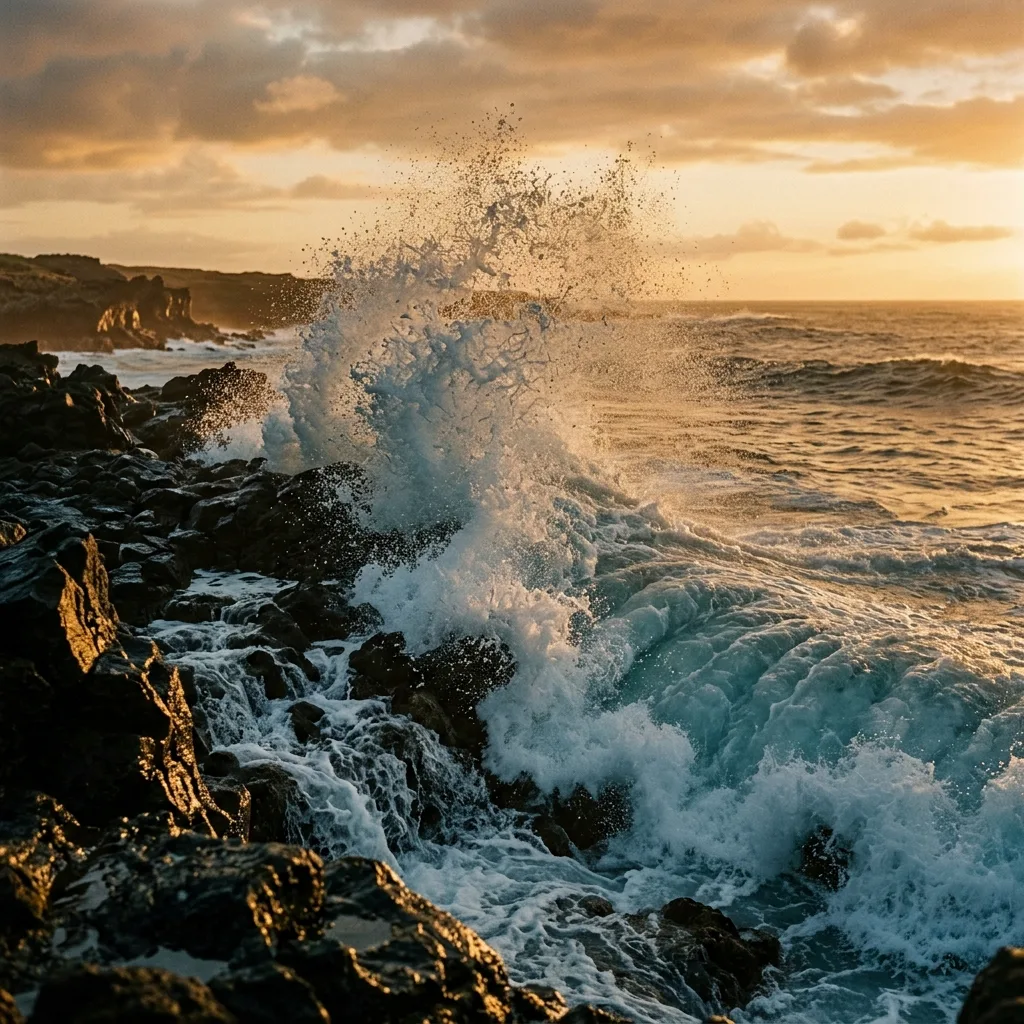
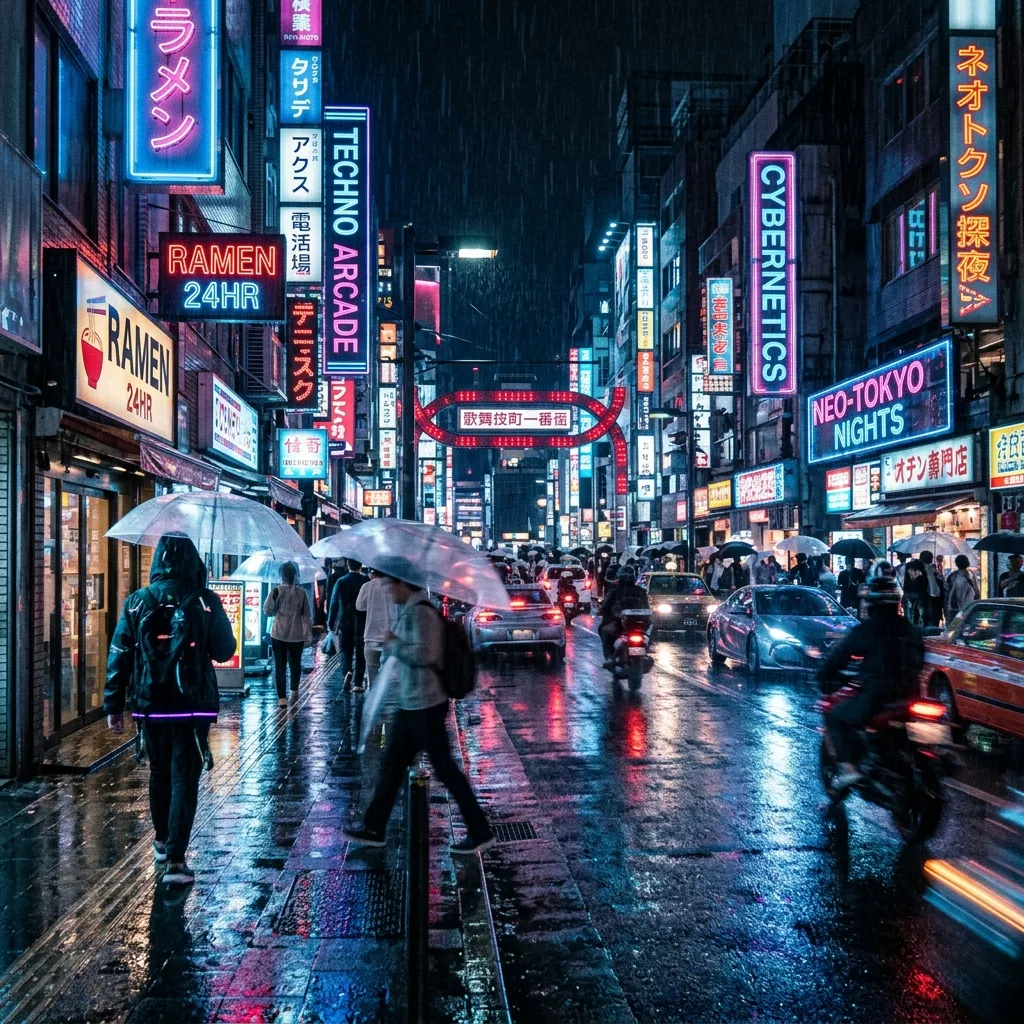
Describe a scene and the text to video generator handles the motion - a few directions to try.
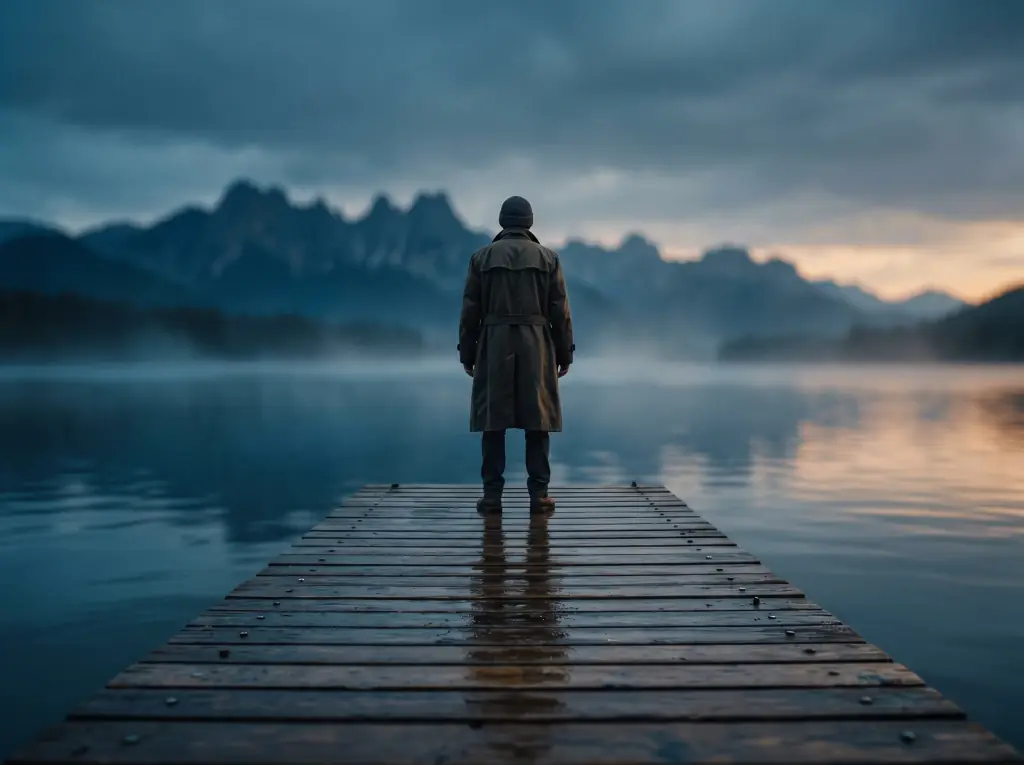


Story moments from a prompt
Cinematic Scenes
Generate short cinematic scenes with camera movement, lighting, and mood from a single description.
Anime, 3D, claymation
Animated Styles
Name a style and the generator matches both motion and aesthetic - stylized clips without an editor.
Type, shapes, energy
Motion Graphics
Create kinetic, graphic motion for openers and social - driven entirely by the prompt.
Vertical, fast, on-trend
Social Clips
Produce short portrait clips sized for social feeds - quick to generate, easy to iterate.
A Repeatable Text-to-Video Workflow
The cleanest text-to-video output comes from short prompts and explicit motion cues. Describe the scene, name the camera and subject motion, test with a short clip, then iterate - the form shows each pass's credit cost before it runs.
1. Describe the Scene
Subject, place, light
Start with a one-sentence scene - subject, location, time of day, light. The model can't infer what isn't described.
2. Add Motion Cues
Camera, subject, drift
Name the motion: "slow camera push-in", "leaves drifting right", "neon flicker". Implicit motion tokens steer the generator.
3. Pick Duration
3 to 15 seconds by model
Credits scale with length. Test the motion at 5 seconds, then rerun the take you like at 10 or 15 seconds on a model that offers it, such as Seedance 2.0, Kling 3.0 or Wan 2.6.
4. Iterate the Prompt
Refine the look
Re-run with tightened tokens - narrower light, calmer motion, clearer subject. Each pass shows its credit cost before it runs.
What a run costs and returns
Available in the form today, each priced in the same credits.
Per run, depending on the model and length chosen.
Video covered per credited run, by model.
Includes a commercial licence for what you make.
The longest prompt every model on this page accepts.
Text-to-Video FAQ
Clip length, sound, aspect ratios, seeds, prompt length and the free plan - the common questions about generating video from text in your browser.
Generate a Video From Text
Drop in your prompt, pick a model, length and ratio, and watch the clip render in your browser - no install, and the credit cost shows before each run.