
A still portrait brought to life with subtle motion
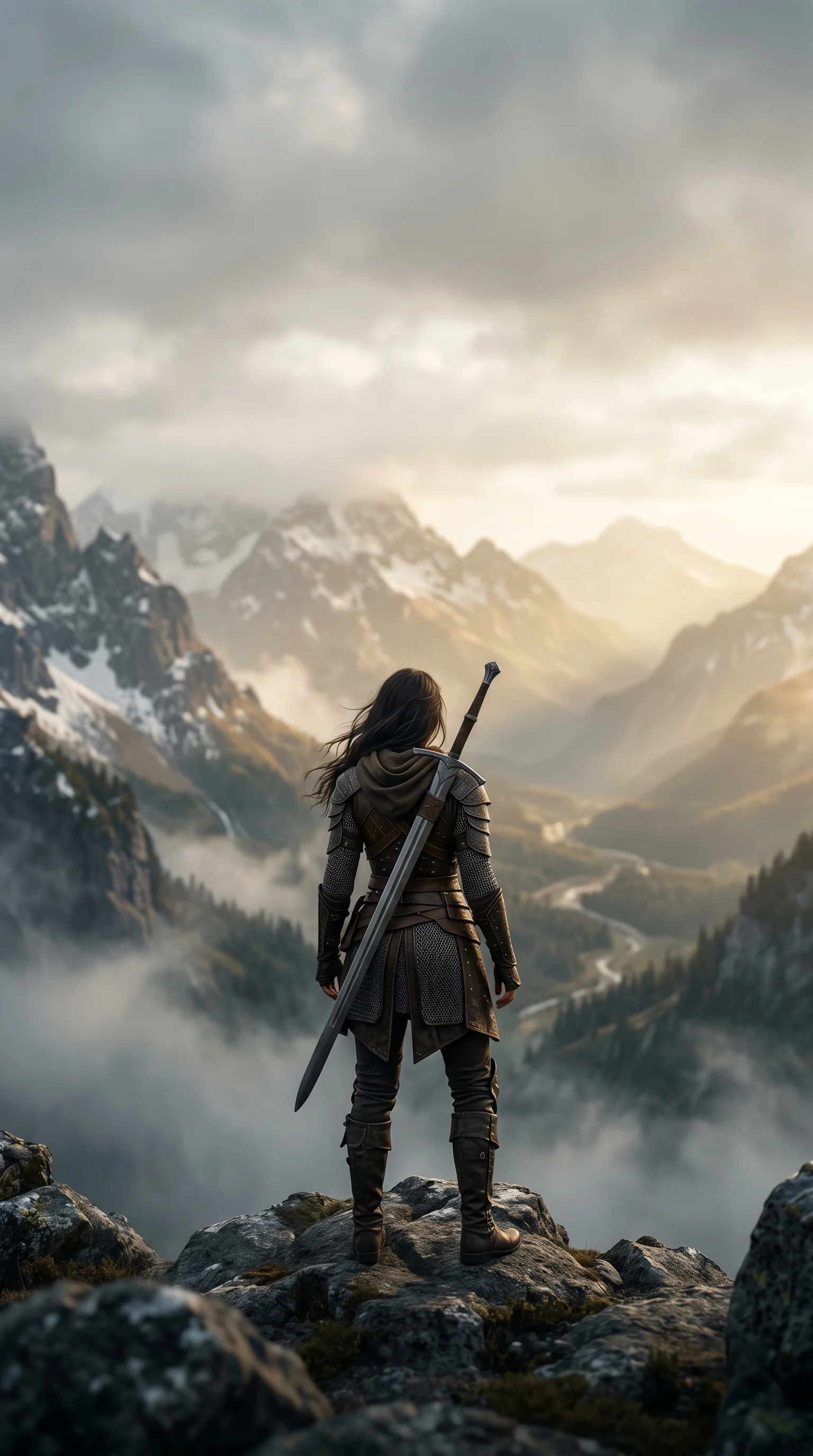
Image to Video Generator
Upload a still and describe the motion; image to video returns a clip of 3 to 15 seconds, depending on the model you pick.
Who uses image-to-video, and for what?
Video creators, ecommerce teams, marketers, and storyboard artists use image-to-video for short motion studies from approved stills, product shots, portraits, and key frames.
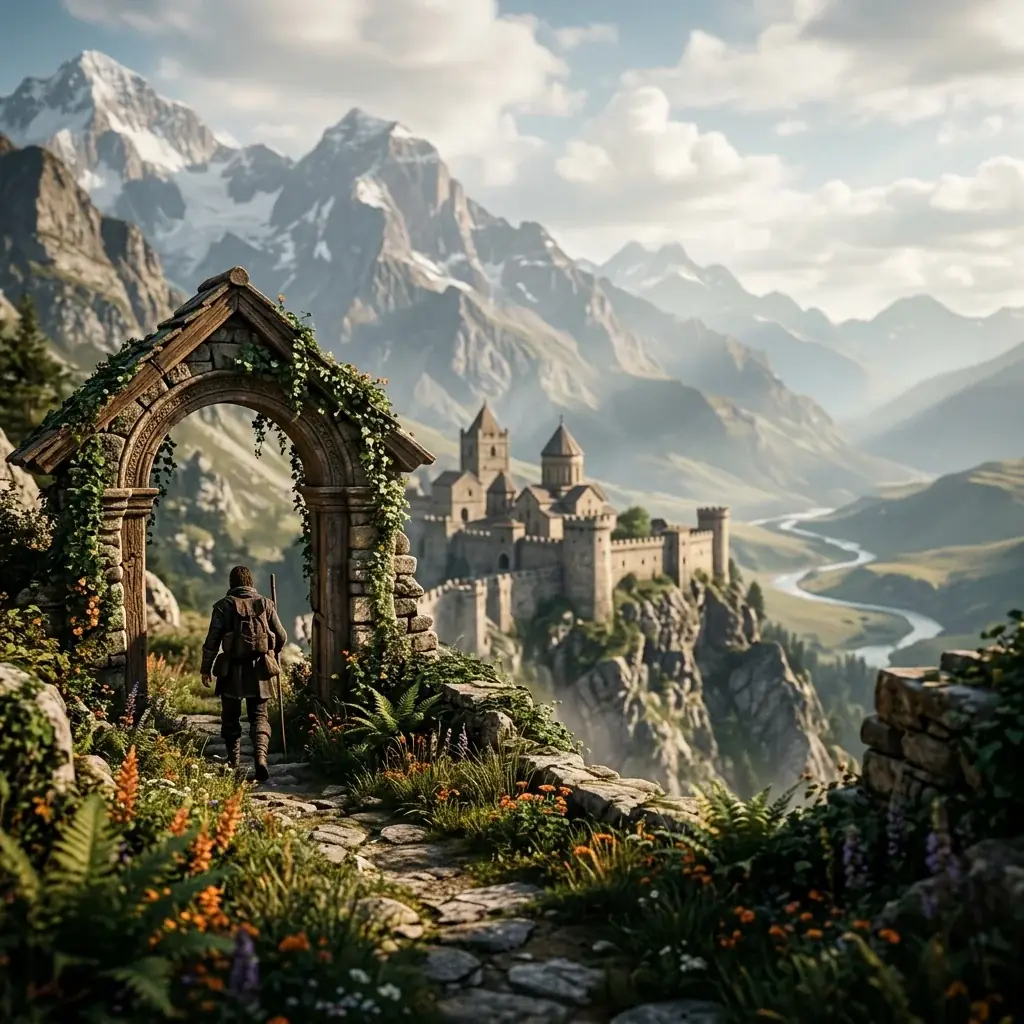
Parallax & Depth
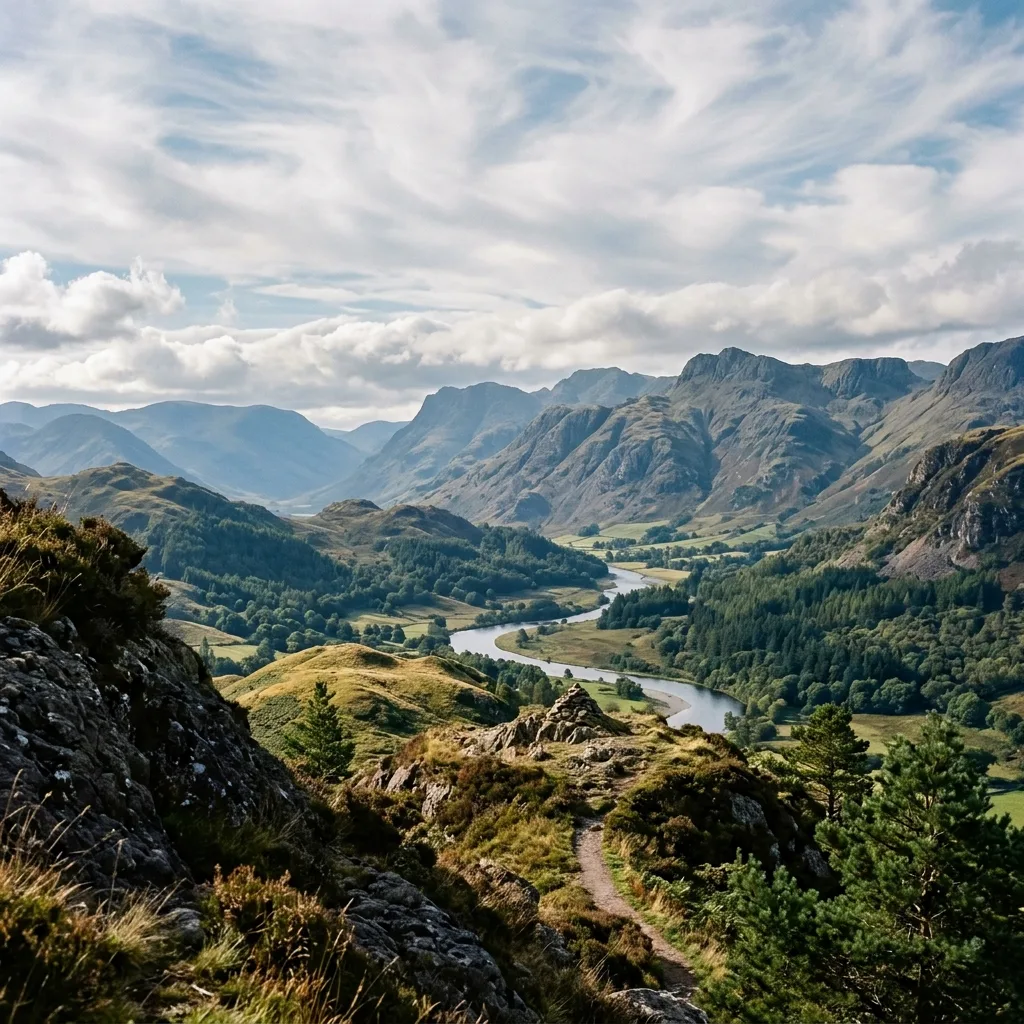
Adds depth-of-field motion to landscape and architectural stills - foreground drifts faster than background, giving 3D feel from 2D source.


Bring Stills to Life
Start from one frame and add motion - a few ways the image to video generator animates a still.
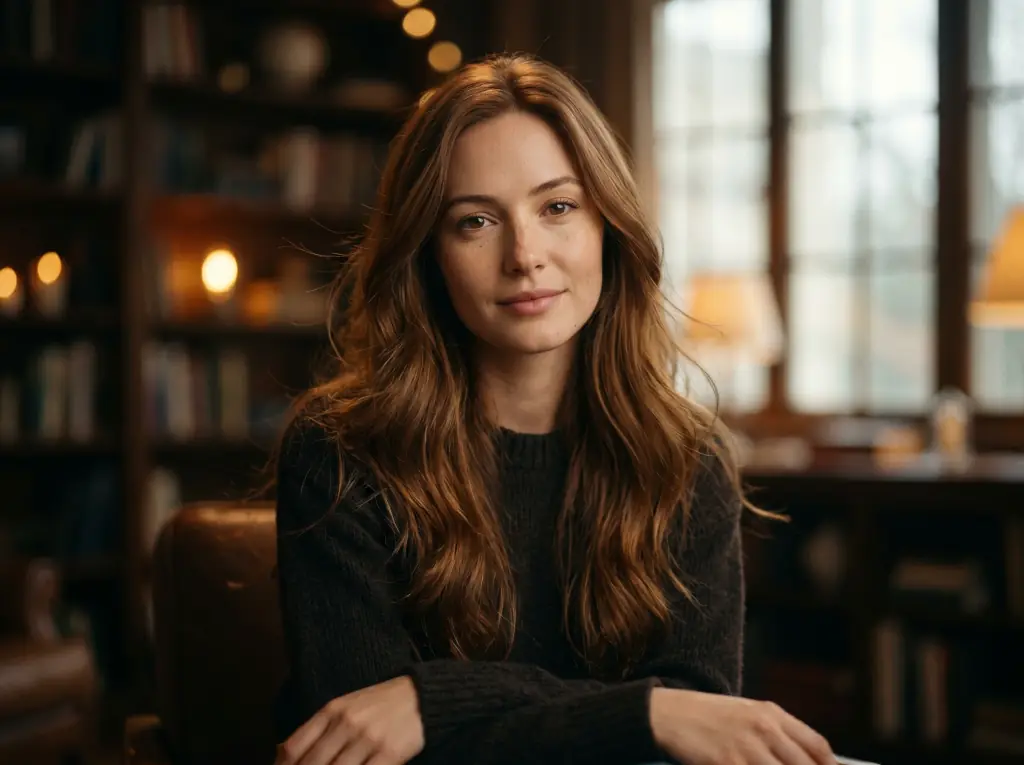


Subtle, lifelike movement
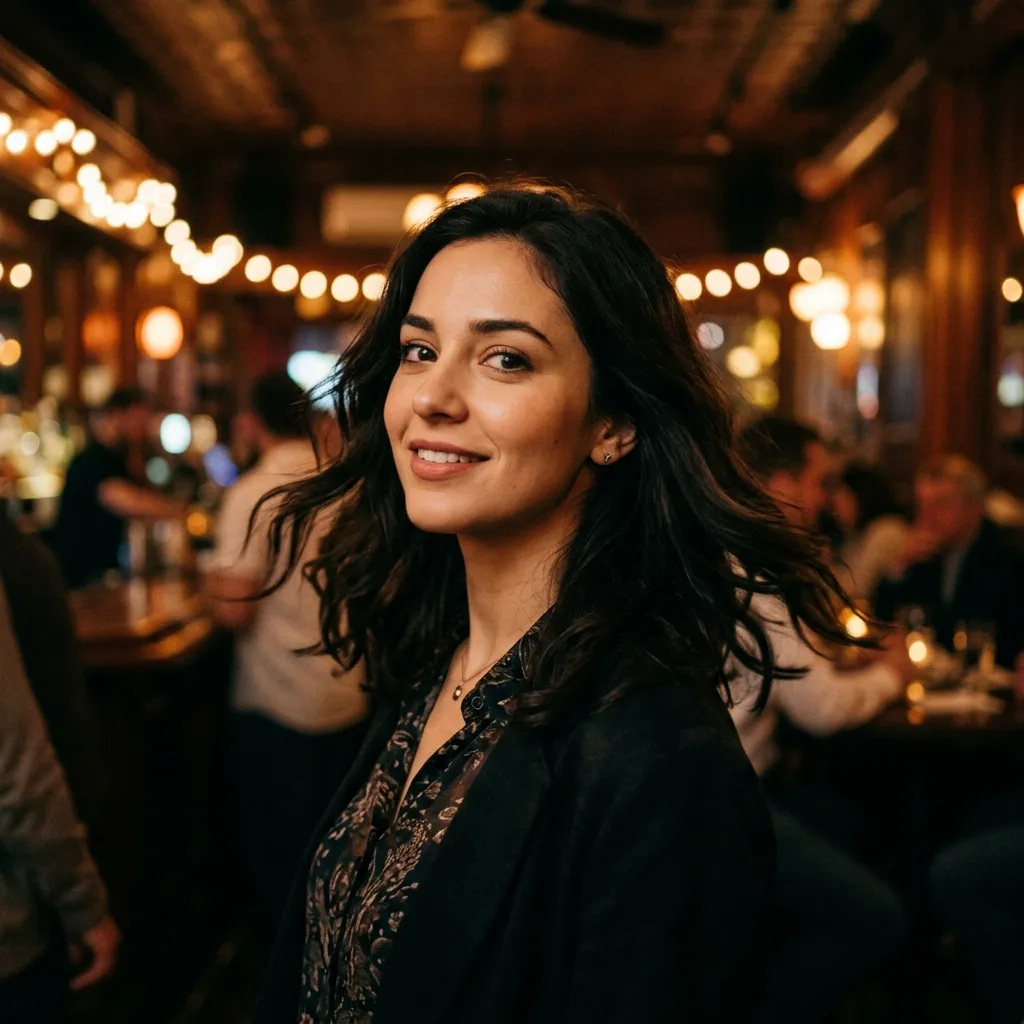
Living Portraits
Add gentle motion to a portrait - breathing, blinking, hair and light shifts - without losing the likeness.
Depth from a flat photo
Parallax Landscapes
Turn a landscape into a slow parallax move, separating foreground and background for a 3D feel.
Motion for commerce
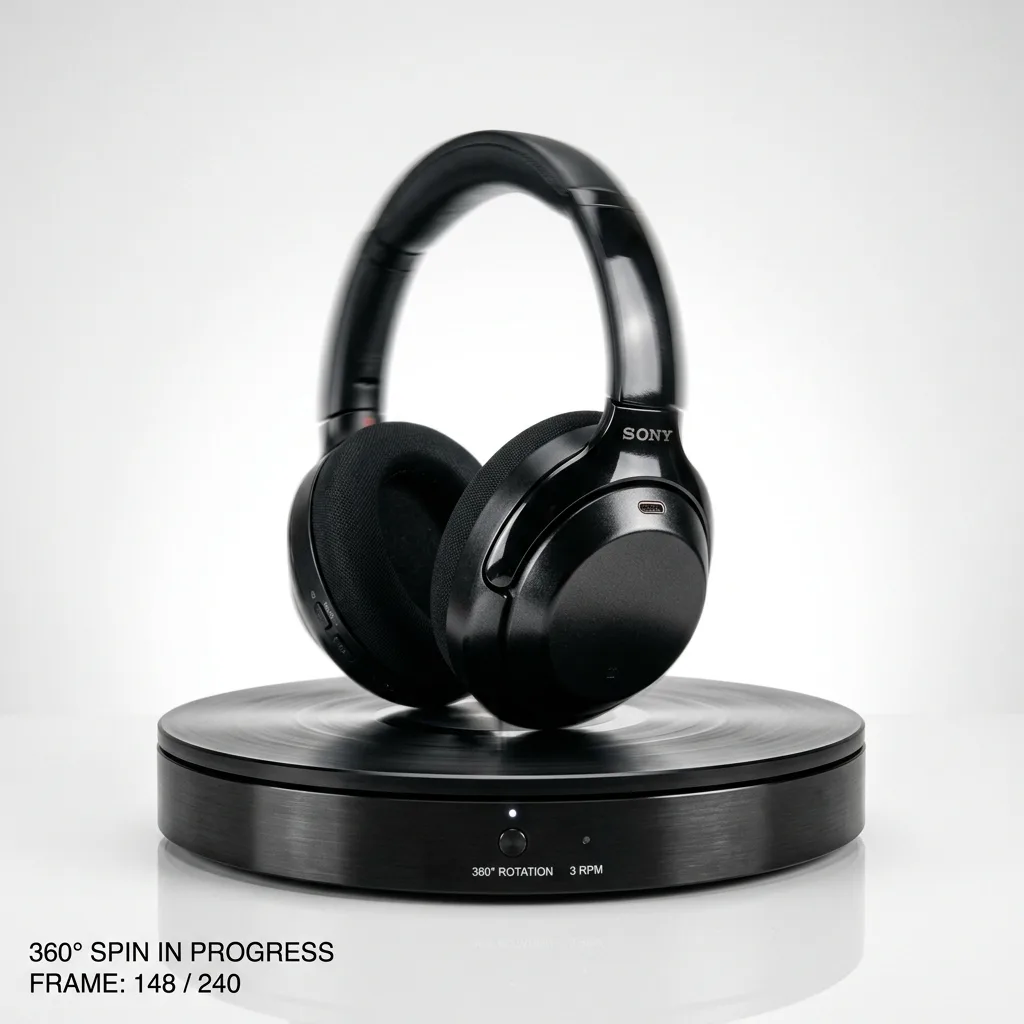
Product Spins
Animate a product still into a clean rotation or push-in for listings and ads.
One element in motion
Cinemagraph-Style Clips
Keep most of the frame still and ask for one moving element - water, steam, neon. Plan a crossfade in your editor if the clip has to loop.
A Workflow for Better Image-to-Video Output
Output quality comes down to two choices: a source with implied direction and an explicit motion prompt. This four-step pass gets clean drift, and the form shows the credit cost of each re-generation before it runs.
1. Pick a Source With Implied Motion
Composition with direction
Sources with directional cues - wind, light angle, posture - animate cleaner than perfectly static studio shots.
2. Add a Motion Prompt
Subject, camera, environment
Tell the model what should move: "slow camera push in", "leaves drifting left", "subject blinks". Implicit motion is unreliable.
3. Choose Duration
3 to 15 seconds by model
Shorter clips hold the subject steadier and cost fewer credits. Kling 3.0 starts at 3 seconds, most models offer 5 or 10, and Seedance 2.0, Wan 2.6 and Grok Imagine reach 15.
4. Re-Generate If Drift Is Wrong
Tighten the motion tokens
If the motion direction is off, narrow the motion prompt and rerun on a short clip before paying for a longer one.
What a run costs and returns
Available in the form today, each priced in the same credits.
Per run, depending on the model and length chosen.
Video covered per credited run, by model.
Includes a commercial licence for what you make.
The longest prompt every model on this page accepts.
Image-to-Video FAQ
How image-to-video seeds motion from your still, what clip length and aspect ratios to expect, how to steer direction with a motion prompt, and which models can add sound.
Animate Your First Still
Drop in an image, name the motion you want, pick a model and length, and check the credit cost before the clip renders.