
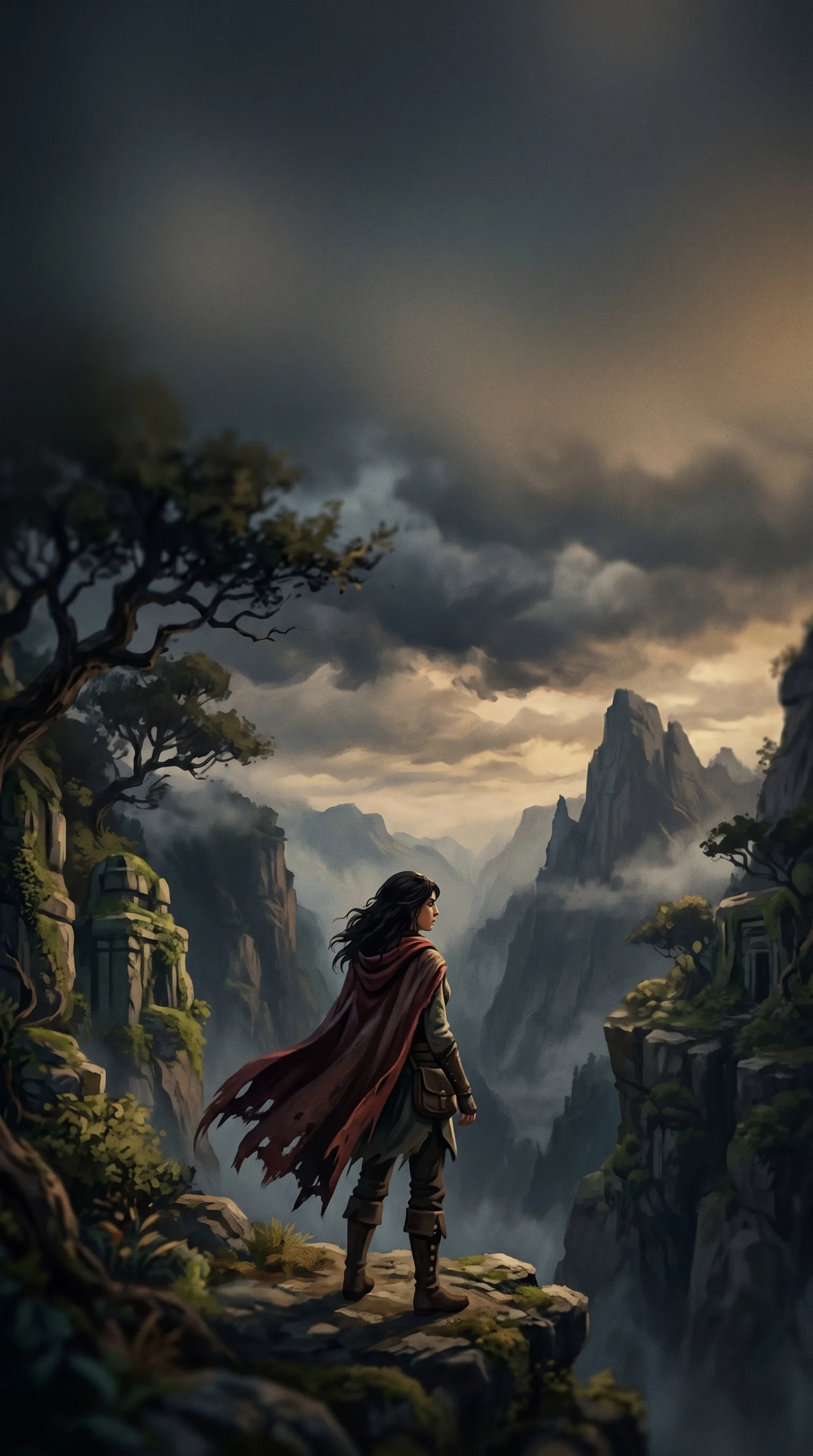
Midjourney Video Generator
Midjourney Video is an image-to-video workflow with one required source image, 480p or 720p output, six aspect ratios and low or high motion.
Image-to-Video Examples
Six example directions for painterly motion, restrained ambience, energetic movement, illustration, landscapes and character scenes. Results remain variable.
How to configure a Midjourney Video request
The live form supports one image-to-video path. It does not expose text-only generation, clip duration, audio or extension controls.
One Required Source Image
Upload one JPEG, PNG or WebP image up to 10 MB. The source is required; this form does not offer prompt-only video generation.
A Required 2,000-Character Prompt
Describe the intended action, camera behavior and protected visual details in up to 2,000 characters.
480p or 720p Output
Choose 480p or 720p. The higher tier costs more credits and does not guarantee cleaner motion, typography or subject consistency.
Six Aspect Ratios
Choose 1:1, 4:3, 3:4, 2:3, 16:9 or 1:2. Match the source and delivery channel to reduce avoidable reframing.
Low or High Motion
Select low or high motion as a broad control. Review the output because the setting does not guarantee a specific action or camera path.
Quality and Style Controls
Quality offers 0.25×, 0.5×, 1× and 2×. Stylize spans 0–1000, chaos 0–100 and weird 0–3000; these are inputs, not quality guarantees.
Who uses Midjourney Video to animate images, and why
Use the controls for short visual experiments and drafts where a single frame supplies the composition. The form makes no duration or audio promise.
Artwork Motion Studies
Animate an illustration or concept frame and compare how low and high motion affect subject and camera behavior.
Ambient Scene Tests
Use low motion for a restrained attempt, then verify unwanted camera movement, flicker and subject drift.
Short Social Drafts
Test square, portrait or landscape framing before routing an accepted clip through normal brand, rights and platform review.
Storyboard Beat Exploration
Animate one key frame to explore a moment or transition concept; build longer sequences outside this single-image form.
Concept Presentation
Add provisional movement to mood boards or pitch frames while clearly treating the clip as generated concept material.
Character and Environment Reveals
Try low or high motion on a portrait or landscape and inspect face, anatomy, edges and background continuity frame by frame.
What a run costs and returns
Available in the form today, each priced in the same credits.
Per run, depending on the model and length chosen.
Includes a commercial licence for what you make.
Accepted for upload, up to 10 MB per file.
The longest prompt every model on this page accepts.
Image-to-Video Questions
Direct answers about required input, resolution, aspect ratio, motion, style controls, paid access, estimated time, rights and limitations.
Midjourney Video is a selectable image-to-video model in this app. The form requires one source image and prompt and exposes resolution, framing, motion, quality and style controls.
Animate a Source Image
Open the preselected form, upload one source image, set framing and motion, confirm the debit, and review the returned clip frame by frame.