
Kling AI - Kling 3.0 Cinematic Video Generator
Kling 3.0 by Kuaishou turns prompts and images into 3-15 second cinematic sequences with native audio sync and consistent characters.
Made With Kling AI
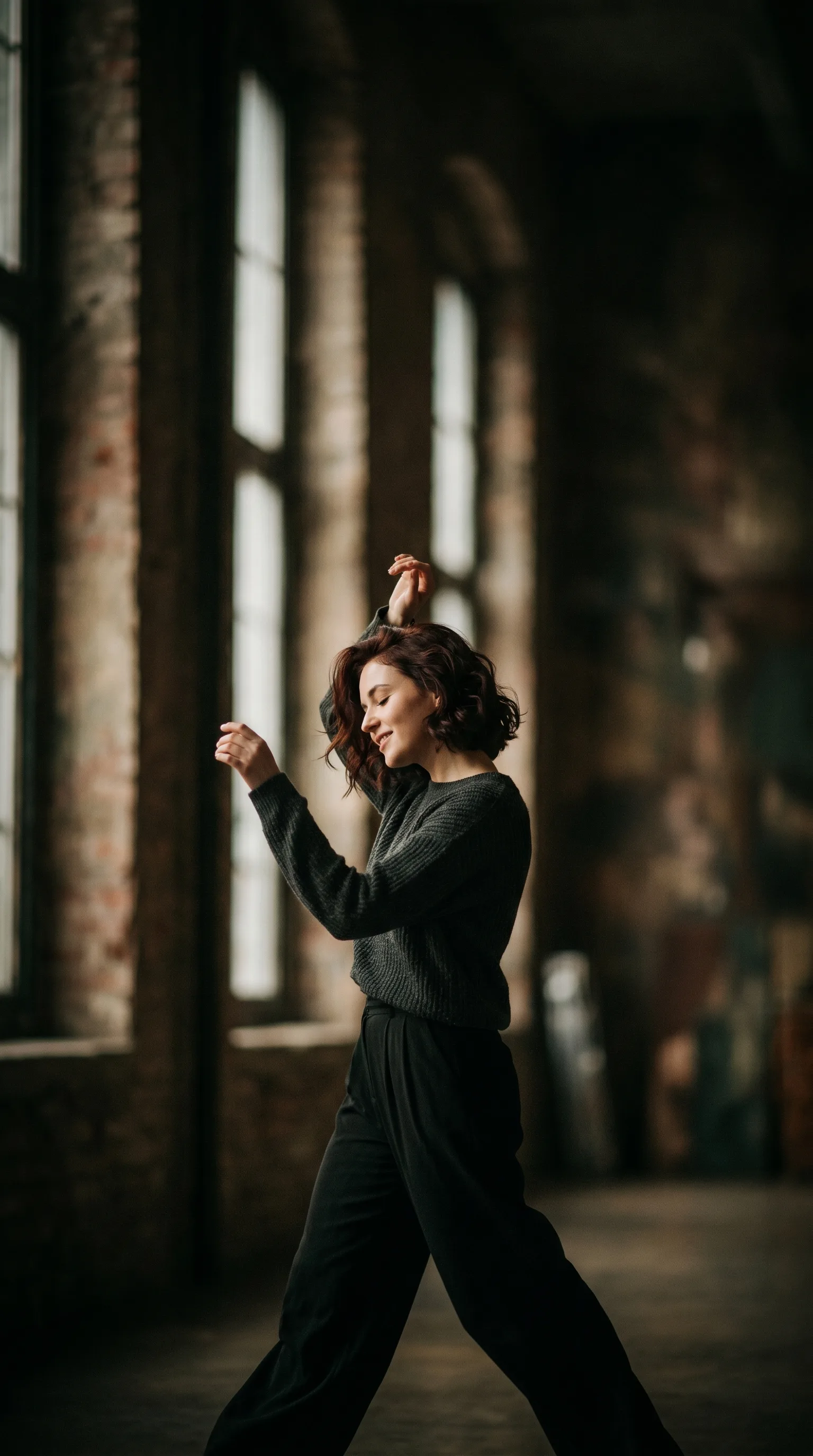
Stills from clips generated with Kling - consistent characters, physics-accurate motion, cinematic camera work, and audio-synced performance across multiple shots.
Why Kling AI
Kling 3.0 pairs native audio-visual sync with an intelligent storyboard and class-leading consistency, so short clips carry the continuity and finish of longer-form work.
Native Audio-Visual Sync
Kling generates high-quality video and audio together - dialogue, singing, and sound effects - from a single prompt, keeping picture and sound in perfect sync with no separate audio pass. Clips arrive sound-complete and often publish-ready.
Industry-Leading Character Consistency
Advanced algorithms hold the same face, outfit, and style across every frame, so a character stays recognisable through motion, camera changes, and multiple shots - the foundation for recurring-character series and multi-shot stories.
Intelligent Storyboard & 15s Clips
Kling 3.0's storyboard system plans shot transitions and supports generations of up to 15 seconds - long enough to tell a real beat while keeping narrative continuity across the sequence.
Physics-Accurate Motion
Kling renders smooth, natural movement that respects physics even in complex scenes - action, crowds, and fluid motion read believably rather than warping or tearing between frames.
Text-to-Video and Image-to-Video
Generate from a written description, anchor the look on a single reference image, or combine both to steer style and motion at once - the same Kling 3.0 model handles each path.
Runs in Your Browser, Free to Try
Kling generates in the cloud with nothing to install, so a phone or laptop is enough to render cinematic clips. New accounts start with free credits, and output can be used commercially in line with the site terms.
Best Use Cases for Kling AI
Where Kling's character consistency, storyboard planning, and native audio sync deliver the most - from recurring-character series to fast action.
Character-Driven Shorts
Build reels and shorts around a recurring character that stays consistent across shots - Kling's tracking keeps face, outfit, and style locked from one clip to the next.
Music & Performance Clips
Generate dance, singing, and performance clips with audio that lands in sync thanks to native audio-visual generation - ideal for music-led social content that publishes without a separate sound pass.
Action & Motion Scenes
Render fast, physics-accurate motion - sports, stunts, and dynamic camera moves - without the warping that breaks the illusion, so high-energy shots stay believable.
Multi-Shot Narratives
Use the storyboard system to plan transitions and stretch a story across up to 15 seconds, with consistent characters and settings carried through every shot.
Social Ads & Brand Clips
Turn a product idea or image reference into a sound-synced cinematic clip that's usable commercially in line with the site terms - well suited to ads, promos, and client work.
Concept & Fantasy Scenes
Bring imaginative worlds to life from a text prompt or reference image - Kling's cinematic camera work and physics-aware motion make fantasy and concept scenes hold together on screen.
What a run costs and returns
Available in the form today, each priced in the same credits.
Includes a commercial licence for what you make.
The longest prompt every model on this page accepts.
Kling AI FAQ
What Kling is, what it generates, how long clips can run, and how to get consistent, sound-synced results.
Kling AI is Kuaishou's video model. The latest Kling 3.0 turns text and image references into 3-15 second cinematic clips with native audio-visual sync, an intelligent storyboard system, and industry-leading character consistency.
Generate Cinematic Clips With Kling 3.0
Open the playground, switch to Kling 3.0, and turn a prompt or image into a consistent, sound-synced cinematic clip with free credits to start.