
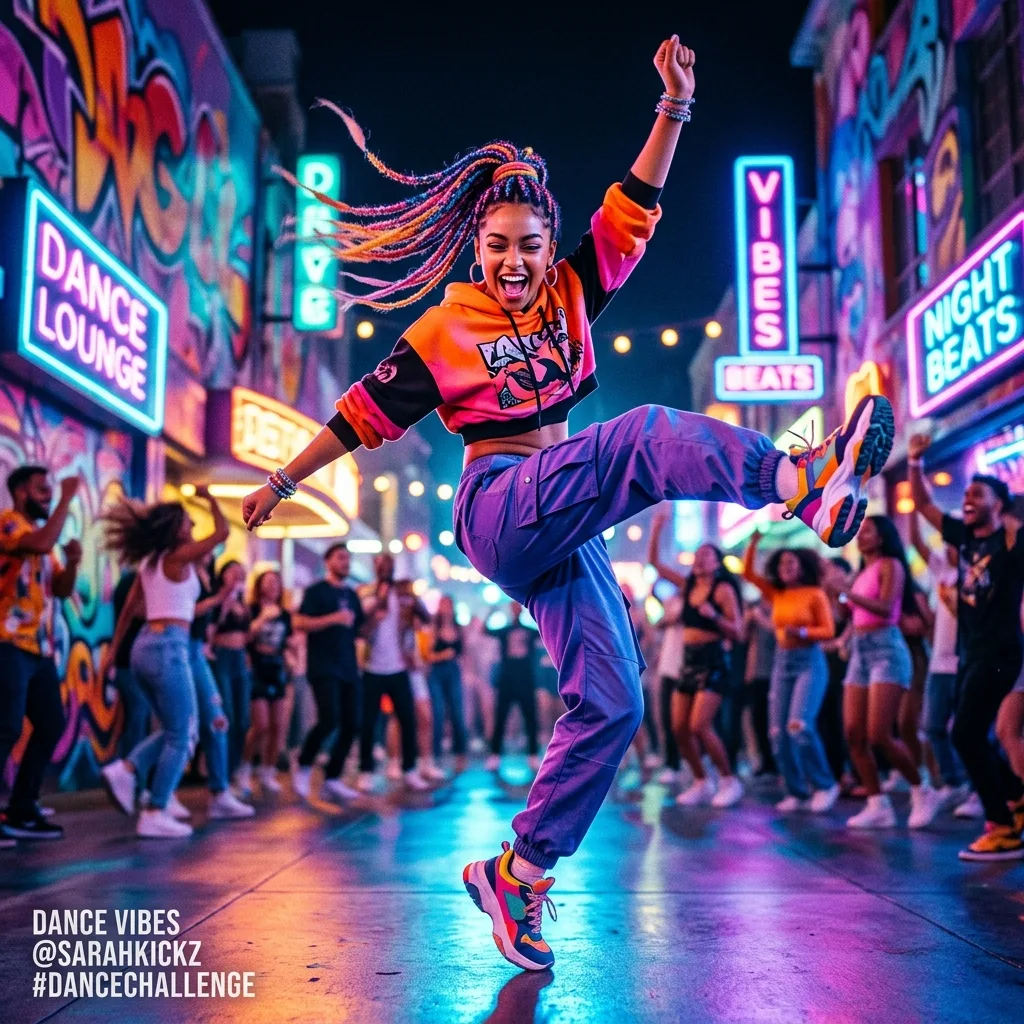
Energetic social-loop dance clip in vivid color
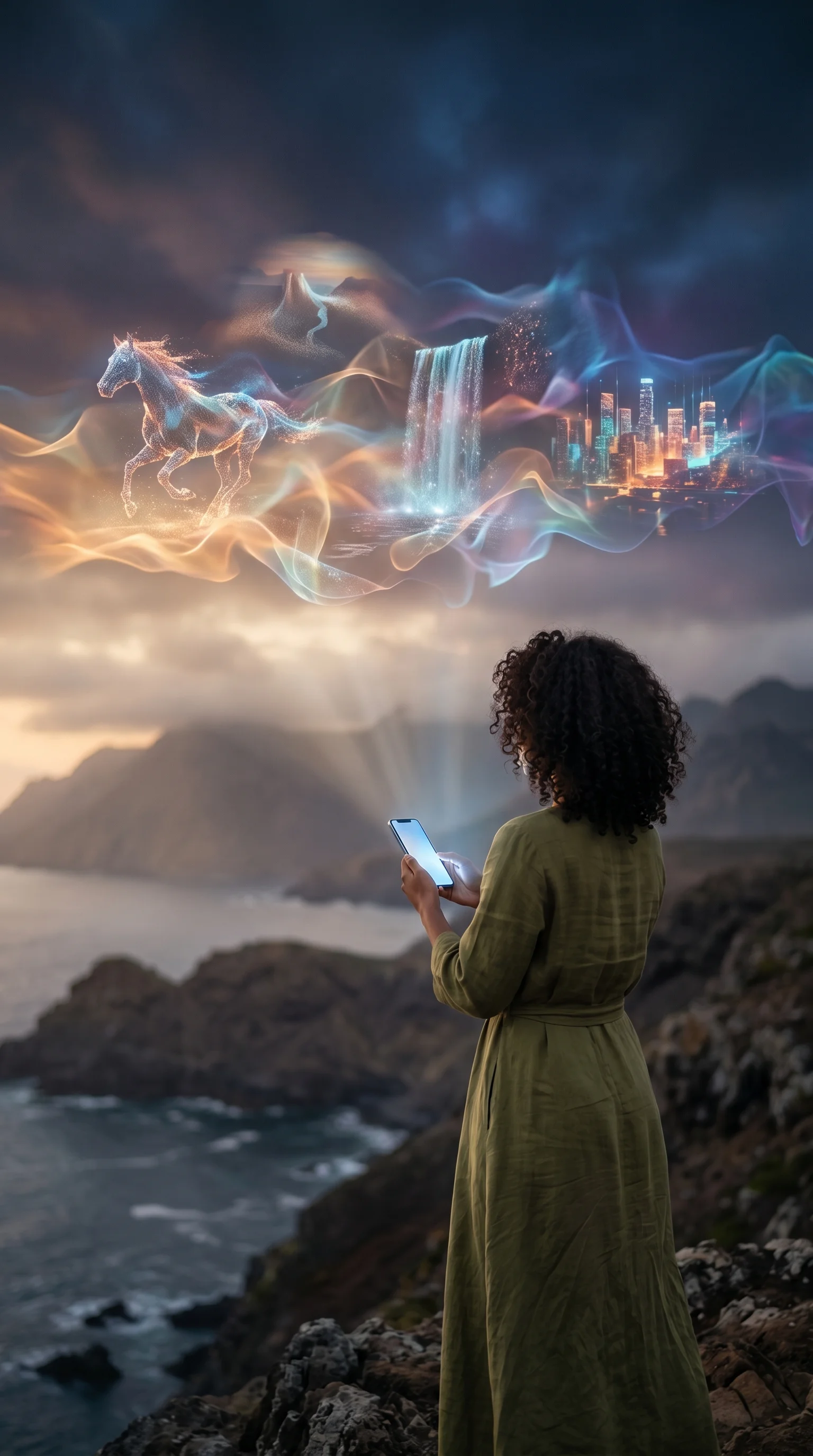
AI Video Generator
Make a short clip in your browser from a prompt or from a still image, with the length, ratio and sound options of the model you pick.
Who uses this AI video generator, and for what?
Video creators, marketers, product teams, and storyboard artists use text-to-video for prompt-led scenes or image-to-video for motion from a still; longer sequences still require post-production.
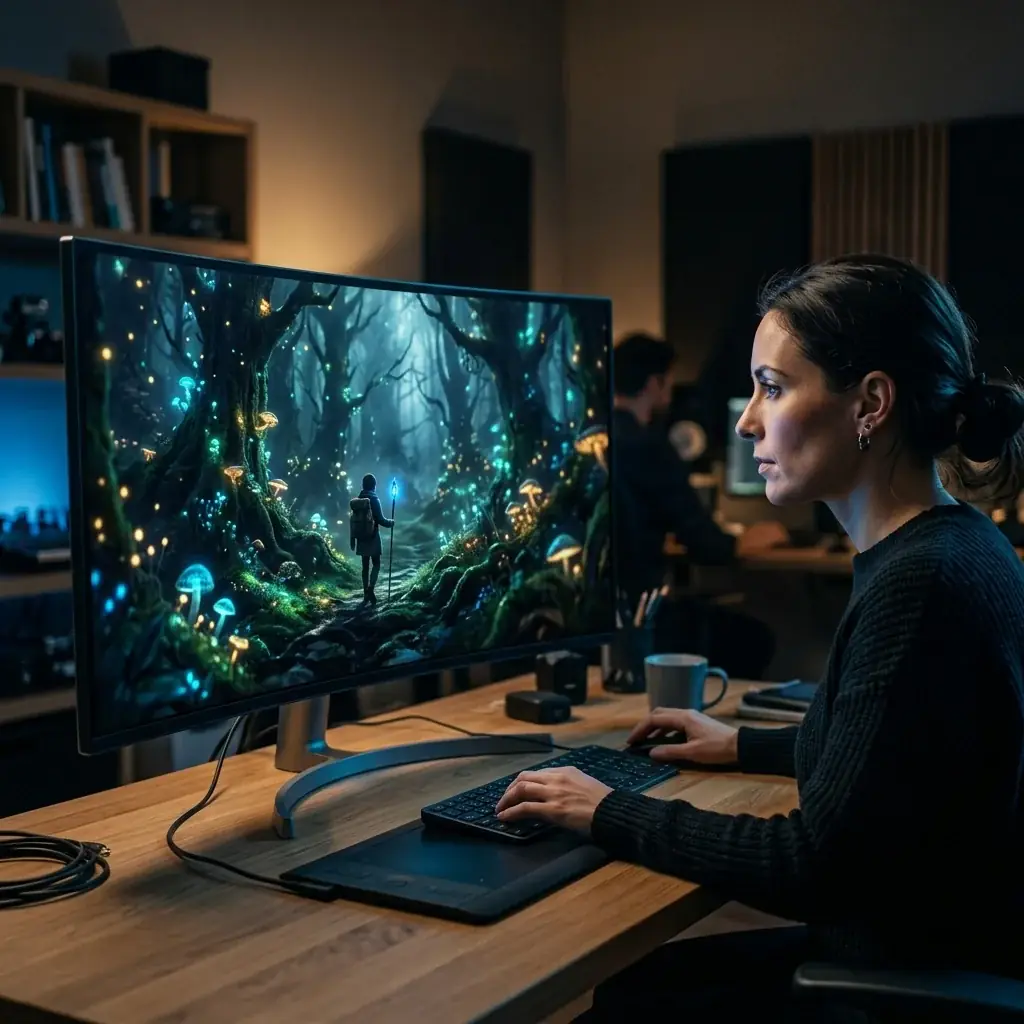
Text-to-Video AI
Type a scene description and the AI video generator produces a short clip - motion, characters, atmosphere from one prompt.


Clips You Can Make
Text or a still in, a short clip out - a few looks the AI video generator produces.
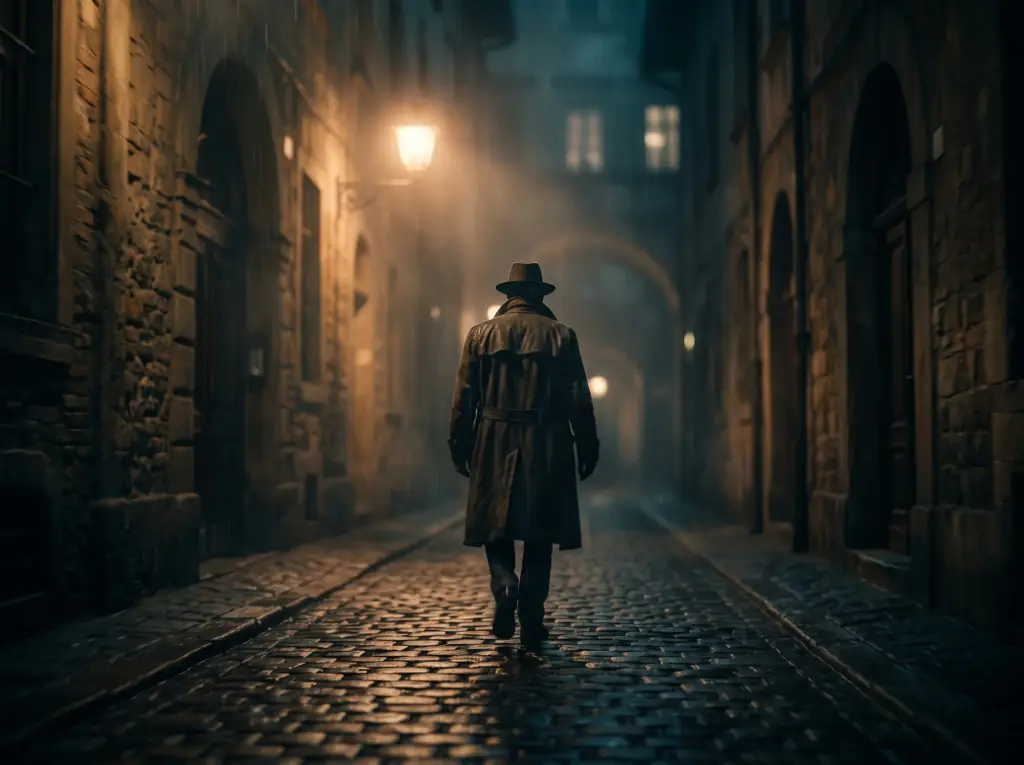


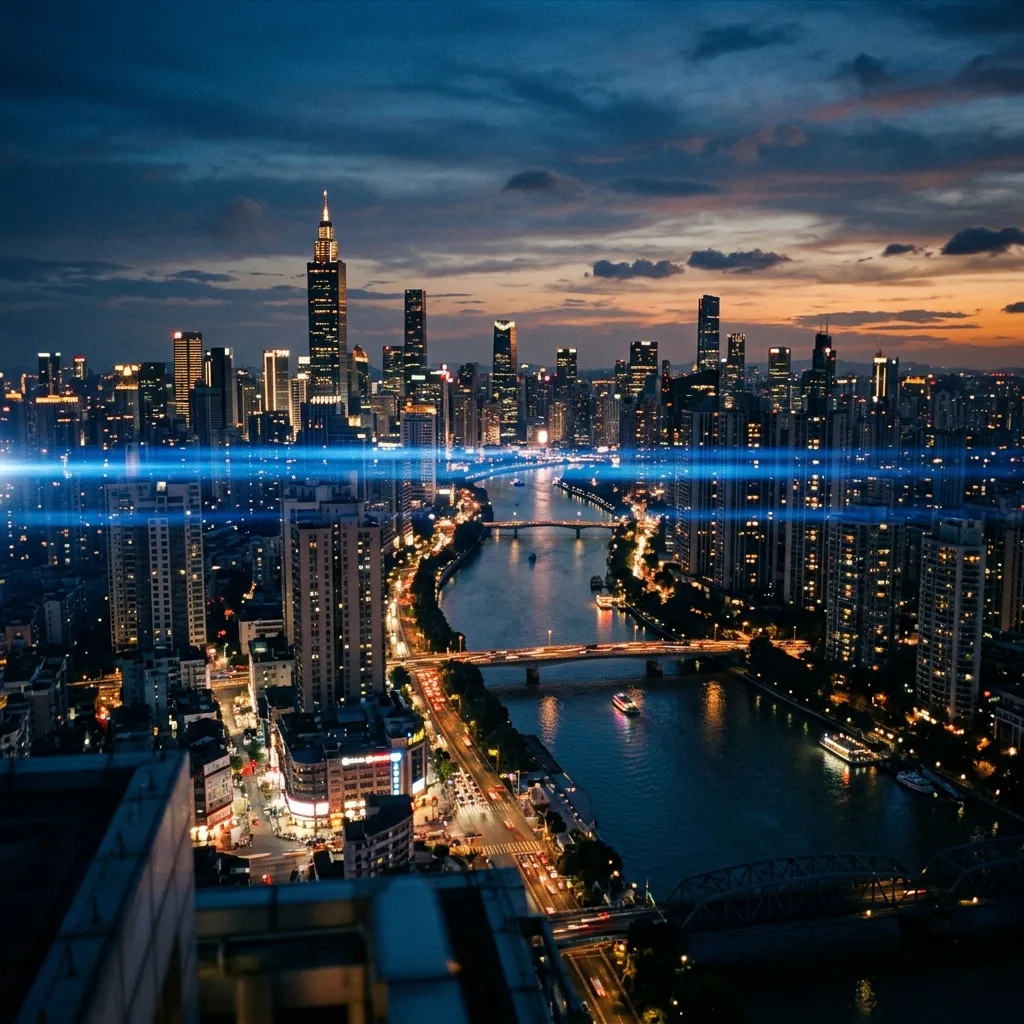
Film-style motion and light
Cinematic Shots
Generate moody, cinematic clips with camera movement and atmosphere - ideal for intros and trailers.
Clean, repeatable motion
Product Motion
Animate a product with a slow rotation, push-in or drift for ads and store listings.
Bring a subject to life
Character Motion
Add natural movement to people and characters - gestures, walks, and expressions from a prompt.
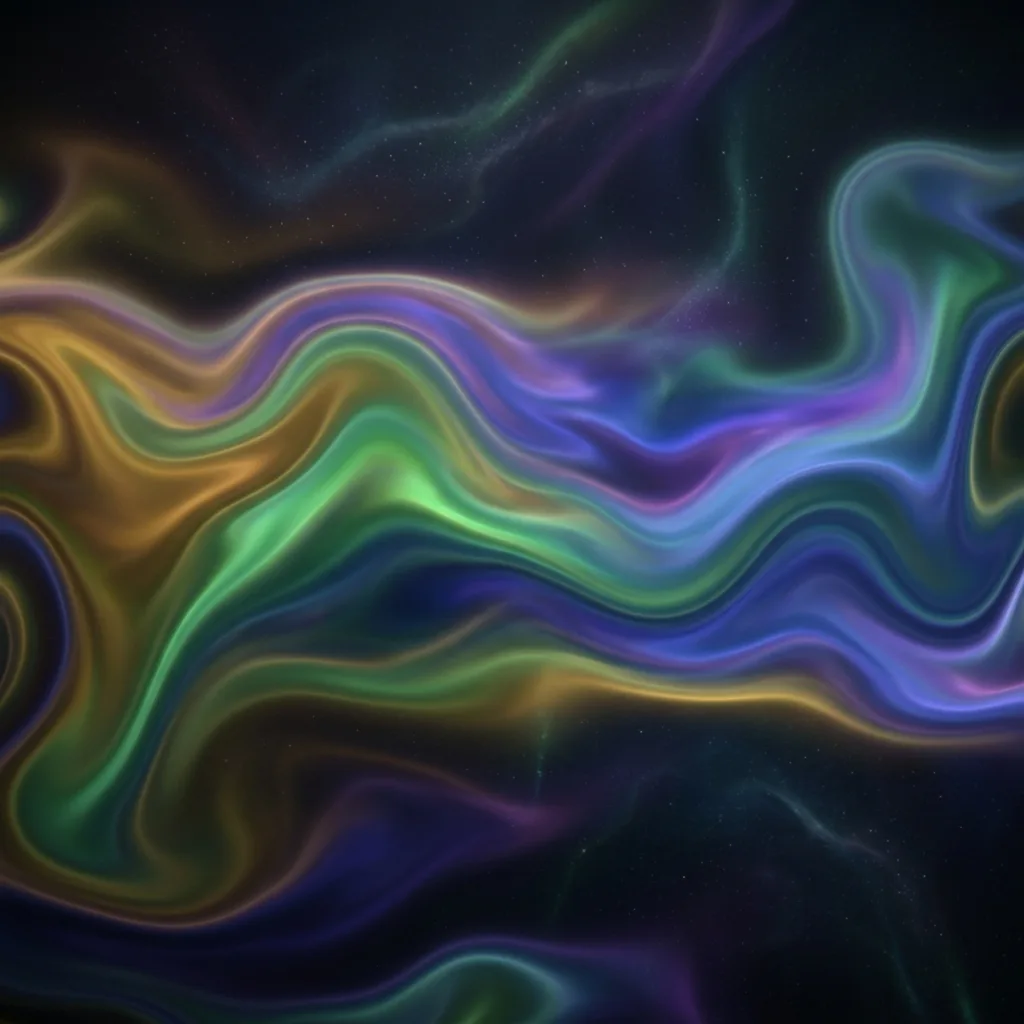
Moving visual beds
Abstract & Backgrounds
Create flowing abstract motion and background plates for streams, slides and sites.
A Workflow for This AI Video Generator
Short prompts and explicit motion descriptors produce the cleanest clips on this generator. Pick your starting point, name the camera and subject motion, match aspect and duration to the destination, then iterate in the browser before you download.
1. Choose Text or Image Start
Anchor your output
Text-to-video gives the AI full control of composition; image-to-video anchors to your source. Pick by how specific you need the layout to be.
2. Describe the Motion
Camera, subject, environment
Name the motion explicitly - "slow zoom in", "wind drifting right", "subject blinks". The AI video model needs cues to direct motion.
3. Pick Aspect & Duration
Match the destination
9:16 for social, 16:9 for landscape, 1:1 for square where the model offers it. Durations run from 3 to 15 seconds by model, and a longer clip costs more credits.
4. Iterate Then Commit
Refine before download
AI video iteration costs credits but saves editing time. Get the motion right in the generator, then download the final.
What a run costs and returns
Available in the form today, each priced in the same credits.
Per run, depending on the model and length chosen.
Video covered per credited run, by model.
Includes a commercial licence for what you make.
The longest prompt every model on this page accepts.
AI Video Generator FAQ
Answers on how this browser-based AI video generator works - credits, the models it runs, clip length, aspect ratios, sound and generation time - so you know what to expect before your first render.
Generate Your First AI Clip
Choose text or image input, pick a model, and check the credit cost before you run your first clip - no install required.