
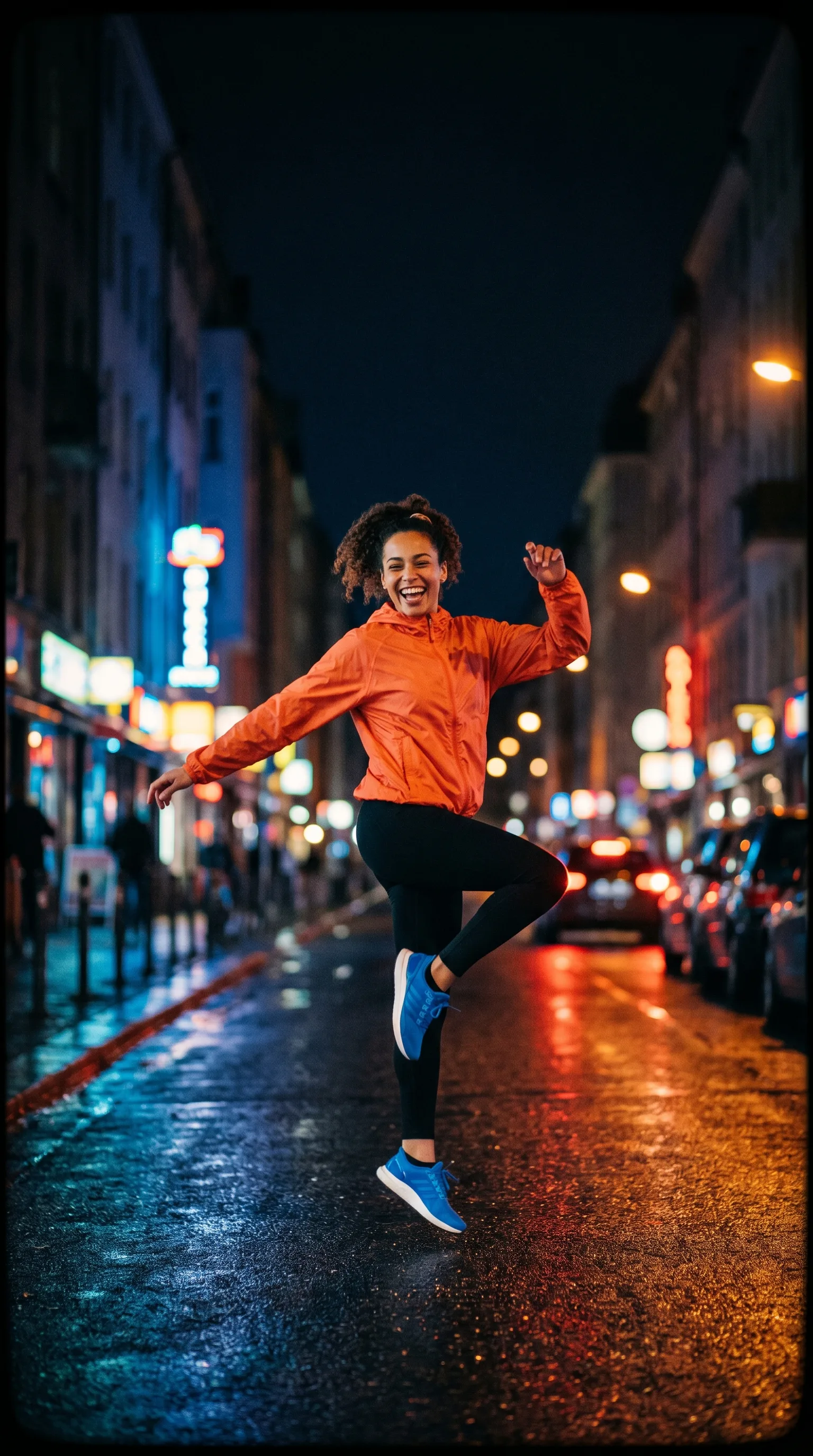
Grok Imagine - text and image video controls
The current form supports text-led or one-image video, eight ratios, 480p or 720p, 4, 6, 8, 10, 12, or 15 seconds, a safety switch, and paid-model access. Generated audio is not enabled.
Grok Imagine examples at 480p and 720p
The gallery illustrates scene, still-animation, playful, dialogue, character, and social directions; it is not a speed, audio, physics, or quality benchmark.
Why Grok Imagine
The live form owns the current prompt, image, ratio, resolution, duration, and safety controls. It does not expose video/audio reference input, modes named Normal or Fun, or generated audio.
Text-led and one-image modes
Text mode requires a prompt. Image mode accepts one optional JPEG, PNG or WebP image up to 20 MB and makes the prompt optional.
Eight aspect ratios
Choose Auto, 1:1, 16:9, 9:16, 4:3, 3:4, 3:2, or 2:3. Ratio controls framing rather than identity or motion accuracy.
480p and 720p settings
The resolution control offers only those two values. Inspect delivered dimensions, compression, text, and artifacts after every run.
Six duration choices
Choose 4, 6, 8, 10, 12, or 15 seconds. Longer duration does not guarantee a coherent action or stable subject.
Safety-check switch
The form exposes an NSFW checker switch. It is a control, not a guarantee that every unsafe or unsuitable result is detected.
Paid access without generated audio
The catalogue requires paid access; metadata starts at 24 credits and estimates about 180 seconds. Audio metadata is false, so this page makes no audio claim.
Who uses Grok Imagine's 480p and 720p clips, and for what?
Video creators, marketers, storyboard artists, and product teams can use these candidate workflows to evaluate text, one-image, ratio, resolution, duration, and safety controls; every clip still needs review.
Prompt-led motion tests
Use one focused scene and one main action, then inspect anatomy, object contact, framing, text, motion, and artifacts.
Single-image animation studies
Use one clear source image and compare the clip for identity, product, background, crop, and composition drift.
Duration comparisons
Hold the prompt and other settings constant while comparing 4-15 second choices, recording coherence, artifacts, and debit.
Vertical and landscape concepts
Compare vertical, square, and horizontal ratios while checking crop, subject placement, and text.
Resolution comparisons
Compare 480p with 720p using the same setup and record delivered dimensions, compression, motion, and artifacts.
Social and product drafts
Treat generated clips as candidates for post-production and reject changes to labels, proportions, colors, trademarks, or regulated claims.
What a run costs and returns
Available in the form today, each priced in the same credits.
Includes a commercial licence for what you make.
Accepted for upload, up to 20 MB per file.
The longest prompt every model on this page accepts.
Grok Imagine 480p and 720p FAQ
Answers about text and one-image input, ratios, 480p/720p, durations, the safety switch, paid access, credits, time, and review boundaries.
Grok Imagine is a selectable paid-access video workflow with text-led and one-image modes. The live form defines its ratio, resolution, duration, and safety controls.
Test a current Grok Imagine workflow
Open the generator, confirm paid-model access, choose text or image mode, set ratio, resolution, duration, and safety control, and inspect the returned silent clip.