
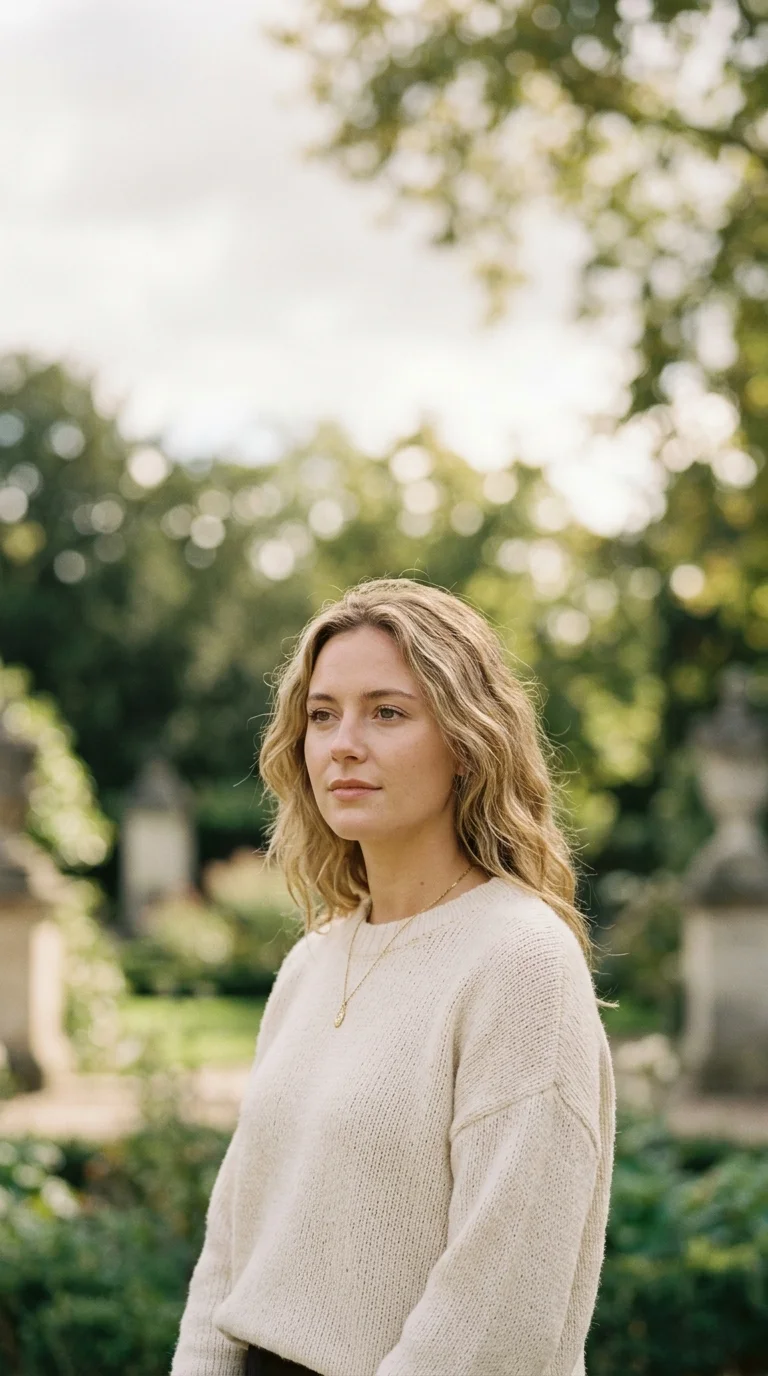
Flux Kontext Pro Image Generator
Flux Kontext Pro supports prompt-only generation and single-image guidance, with six framing choices, one-to-four outputs and paid-model access.
Flux Kontext Pro prompt and reference examples
Six example directions covering restyling, object changes, backgrounds, recurring subjects, clothing and text-bearing layouts. Outputs are examples, not guarantees.
What Controls Does Flux Kontext Pro Expose?
The executable form—not general model descriptions—defines what can be submitted and what users should verify before accepting an output.
Text and Reference Modes
Start from a prompt alone or add one source image. The reference workflow guides a change; it does not guarantee that unspecified regions remain identical.
One Required Reference Image
Reference mode accepts one JPEG, PNG or WebP file up to 10 MB. A valid transport-backed image is required before the edit can be submitted.
A Required 3,000-Character Prompt
Describe the intended result in a prompt of up to 3,000 characters. Name protected details explicitly and avoid assuming the model understands unstated constraints.
Six Aspect Ratios
Choose 21:9, 16:9, 4:3, 1:1, 3:4 or 9:16. The selected ratio controls framing but does not guarantee composition or edge detail.
One to Four Outputs
Request one, two, three or four independently billed results. Review the total debit shown by the generator before submitting a batch.
Paid Access and Estimated Turnaround
This is a paid-access model. The form lists an estimate of about one minute, but queue and request conditions can change actual completion time.
Flux Kontext Pro use cases and editing limits
Use these as qualified starting points for prompt-only or reference-guided work. Each result still needs comparison against the brief and source.
Reference-Guided Photo Changes
Describe a background, object, lighting or styling change and verify both the requested edit and any unintended changes elsewhere.
Recurring Subject Exploration
Reuse the same source while varying scene or framing, then compare identity, proportions and distinctive details across every result.
Creative Restyling
Ask for a new visual treatment while naming composition or subject details that must remain recognizable.
Product Concept Variants
Explore colors, settings or seasonal treatments from a product image, then check shape, labels and packaging against the original.
Marketing Variations
Generate alternative scenes or layouts for a campaign and route selected results through the normal brand and compliance review.
Text-Bearing Image Drafts
Prompt for signs, posters or labels as drafts only; inspect spelling, letter shapes and layout before using the image publicly.
What a run costs and returns
Available in the form today, each priced in the same credits.
Per run, depending on the model and length chosen.
Includes a commercial licence for what you make.
Accepted for upload, up to 10 MB per file.
The longest prompt every model on this page accepts.
Generation and Editing Questions
Direct answers about input modes, file limits, framing, batch size, paid access, timing, rights and output variability.
Flux Kontext Pro is a selectable image model in this app with prompt-only and single-reference workflows, six aspect ratios and one-to-four output batches.
Create With Flux Kontext Pro
Open the preselected form, choose text or reference mode, confirm paid access and debit, then inspect each result against the brief.