

Stable Diffusion Prompts
Copy a template, swap in your subject and run it on SDXL or DreamShaper 8. Every template follows one order - subject, medium, setting, lighting, camera, style - with a negative prompt beside it.
Who uses these Stable Diffusion prompts, and how?
Creators, designers, marketers and ecommerce teams start from these structures to get a usable first image, then change one setting at a time.
1. Pick a Scene Archetype
Portrait, product, concept, poster
Start from a known-good template. Generating a prompt from scratch wastes credits; modifying a template that already works is the fastest path to a good image.
2. Swap in Your Subject
Replace [SUBJECT] with specifics
"Cinematic portrait of a young woman" → "Cinematic portrait of an elderly fisherman". The template structure stays; only the subject token changes.
3. Tune Lighting & Mood
Match the look to the brief
Swap "golden hour" for "neon backlight" or "overcast diffuse" if the mood shifts. Lighting tokens carry most of the visual weight in any text-to-image prompt.
4. Add the Negative Prompt
Exclude failures directly
"Blurry, deformed, extra fingers, low quality, watermark" is a sound starting negative. On SDXL and DreamShaper 8 the negative prompt takes up to 2,000 characters and the main prompt up to 5,000; add an entry only for a failure you can see.
Stable Diffusion prompt templates by style
Four structures with a [SUBJECT] slot. Copy one, replace the slot, and run it in the playground.
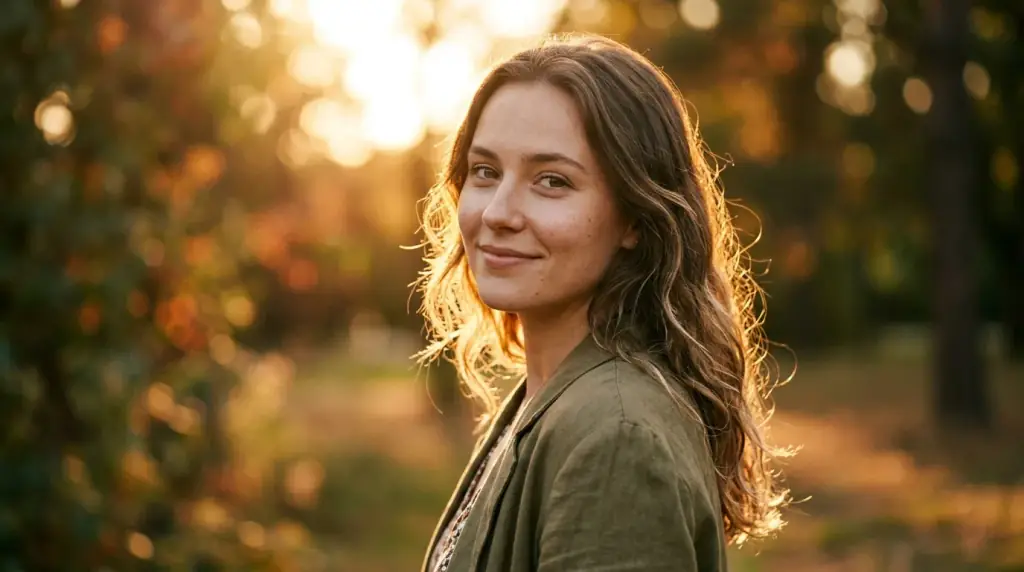
Cinematic Portrait
Cinematic portrait of [SUBJECT], golden hour backlight, 85mm lens, shallow depth of field, soft skin texture, film grain - negative: blurry, deformed, low quality.


More Stable Diffusion prompts by style
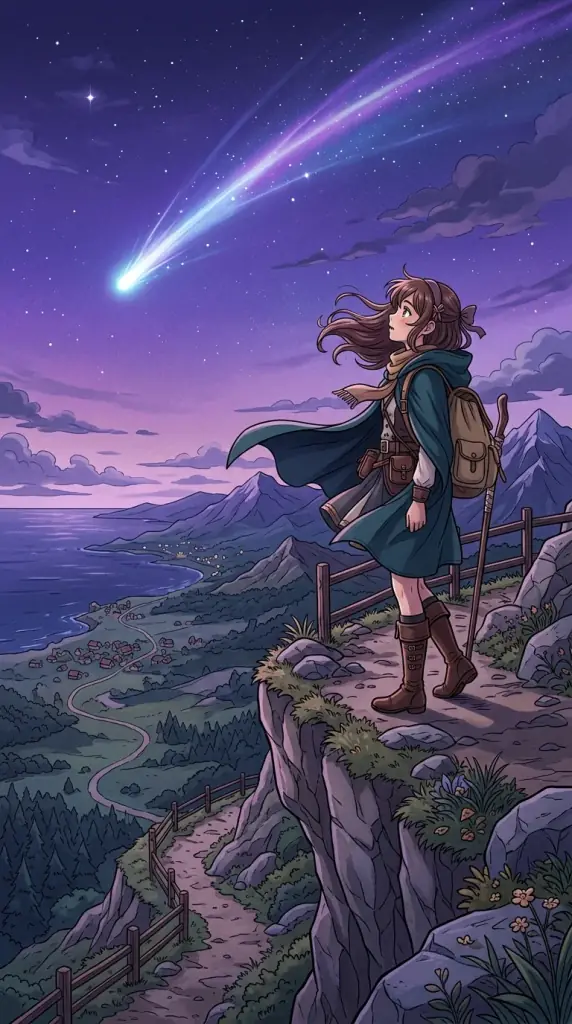
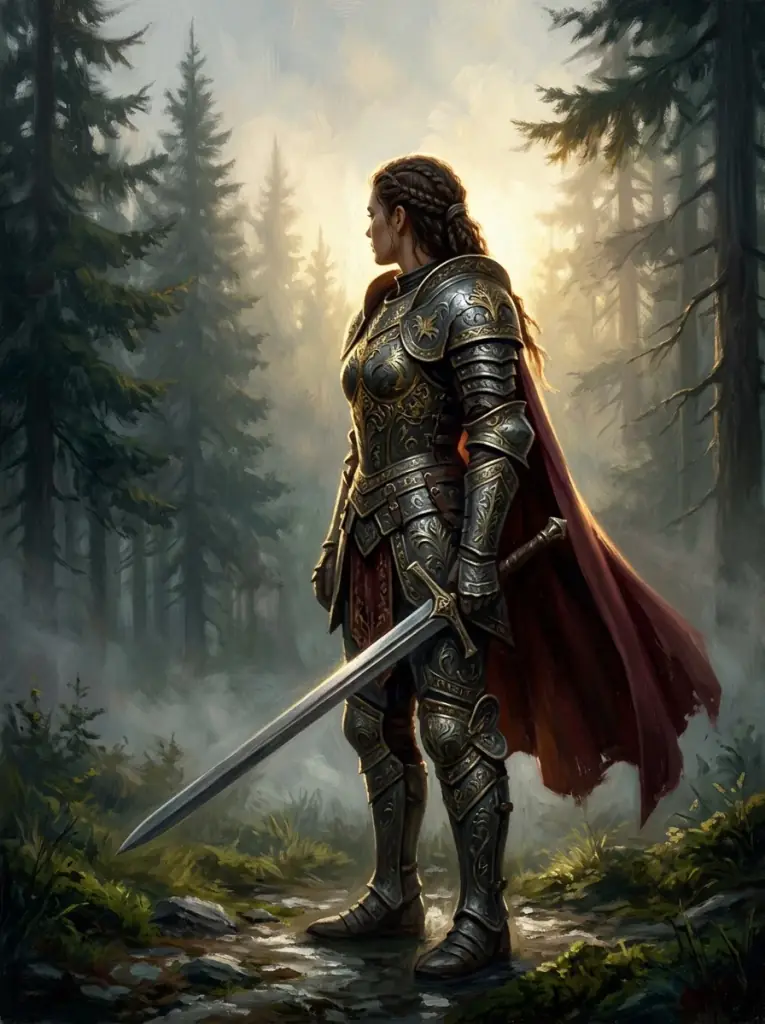
Sixteen complete prompts for the other styles in the home page gallery; the four above are templates. The pictures illustrate each style, and your result will differ by model and seed, so copy a prompt, run it, then change one thing at a time.
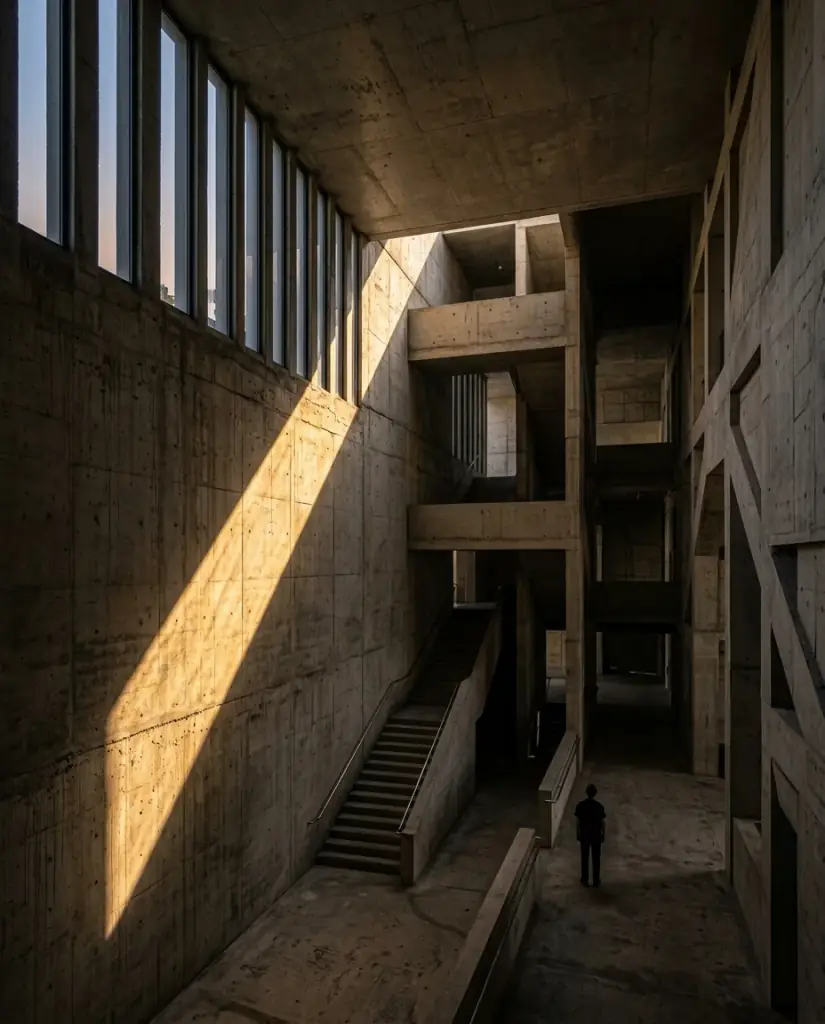
Brutalist architecture
Modern architectural render, brutalist concrete, dramatic lighting, ultra-detailed
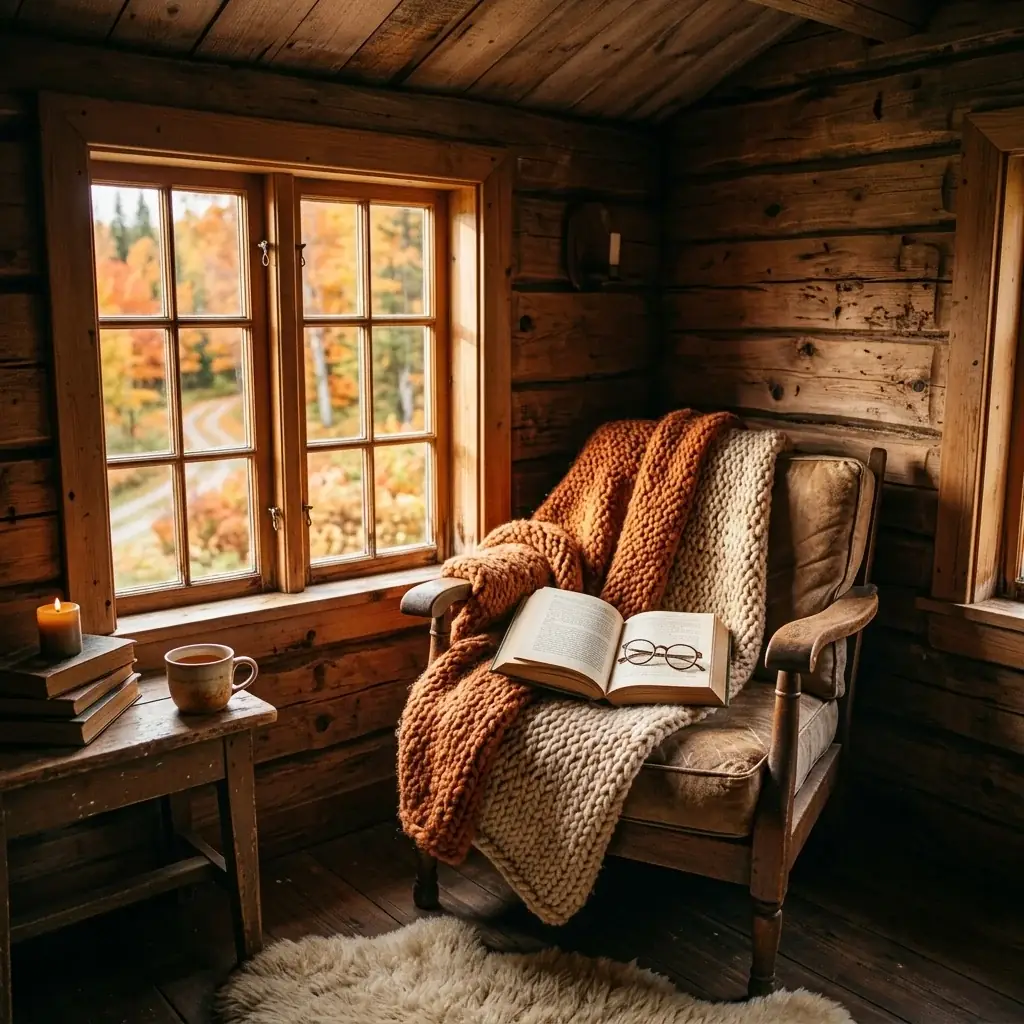
Cozy interior scene
Cozy reading nook, autumn afternoon light, photorealistic interior, 35mm film
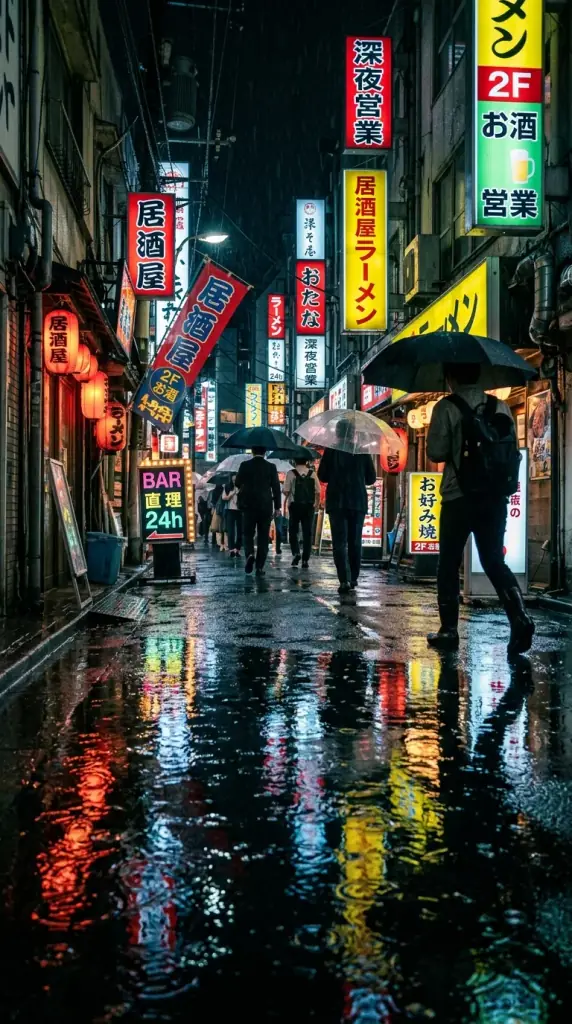
Rainy Tokyo neon
Moody street photography, rainy Tokyo neon alley at night, reflective puddles, low-angle view, cinematic film grain, photorealistic
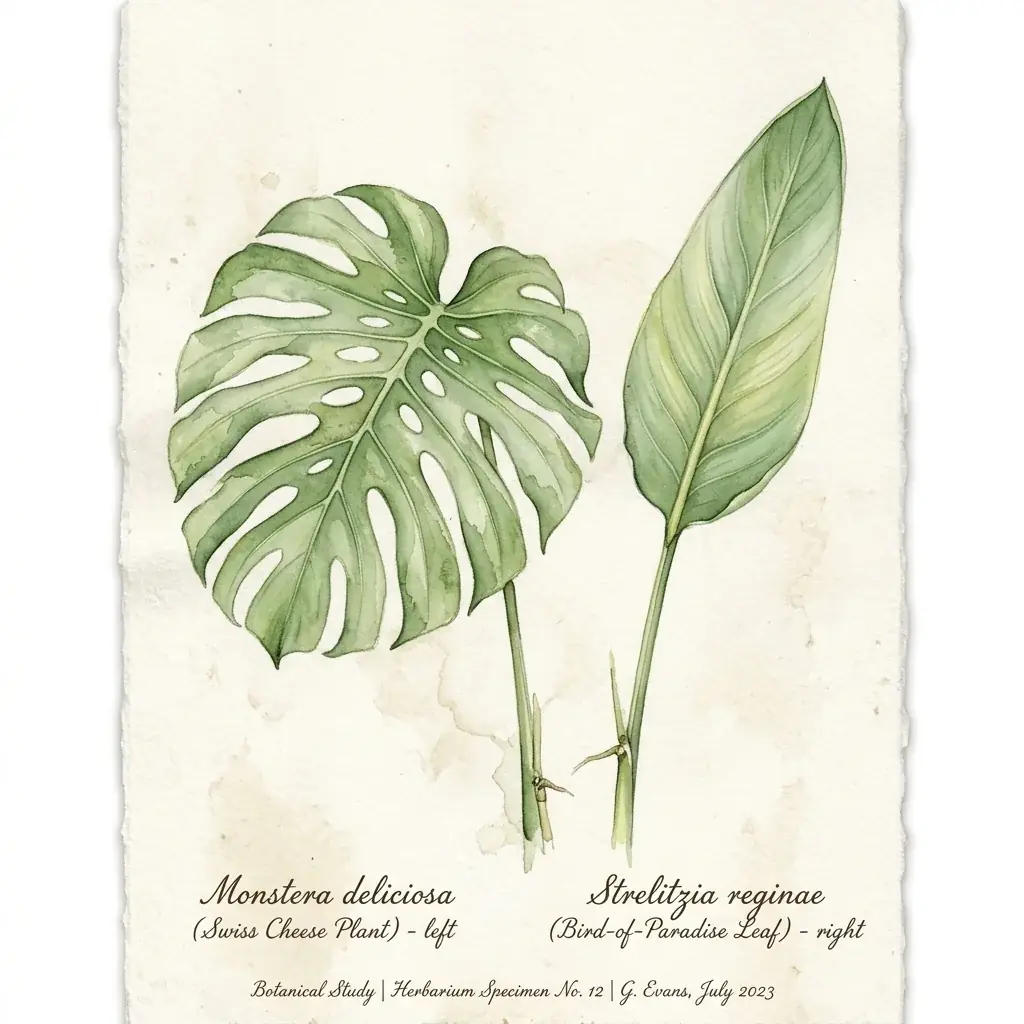
Botanical watercolor
Botanical watercolor study of tropical monstera and bird-of-paradise leaves, herbarium aesthetic, soft washes on cream paper
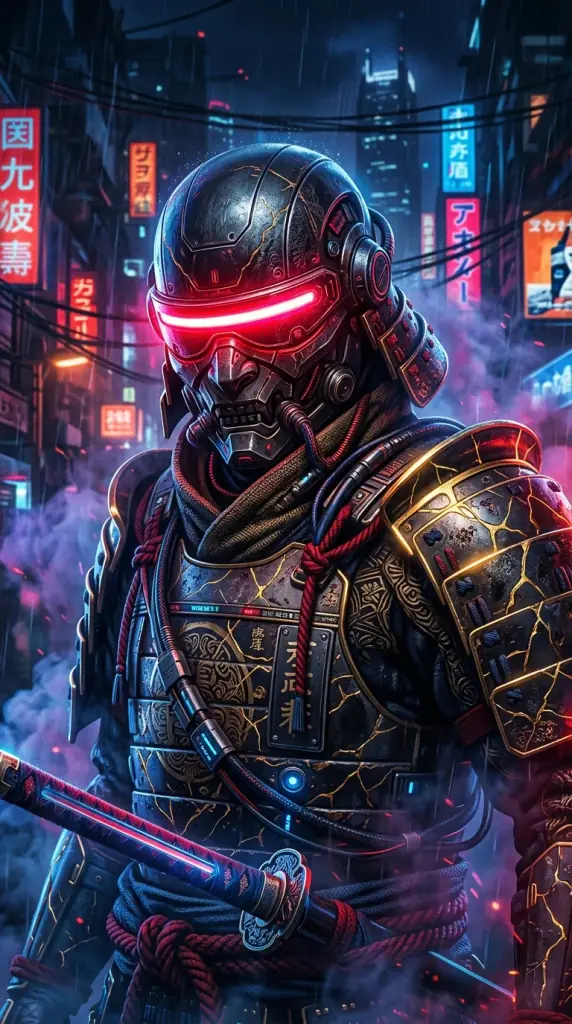
Cyberpunk samurai
Cyberpunk samurai close-up portrait, glowing red visor, drifting smoke, intricate kintsugi armor, hyper-detailed digital painting
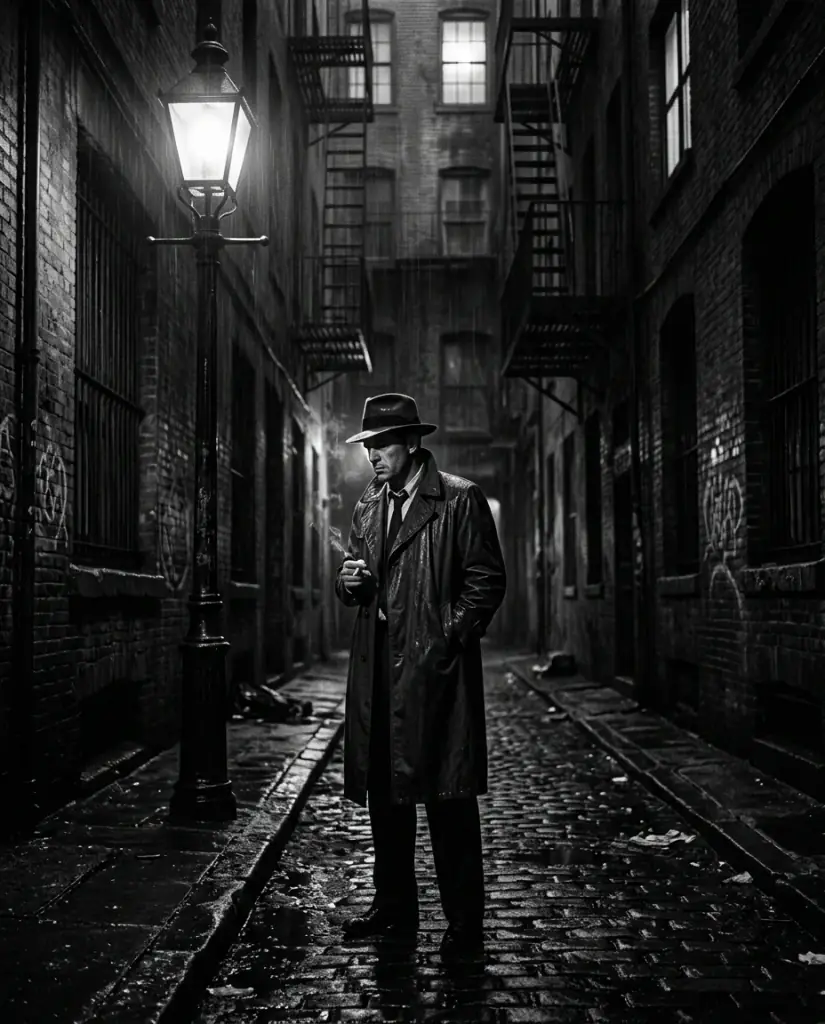
Film noir detective
Film noir detective in trench coat under a streetlamp, 1940s rainy alley, harsh chiaroscuro, black and white photography
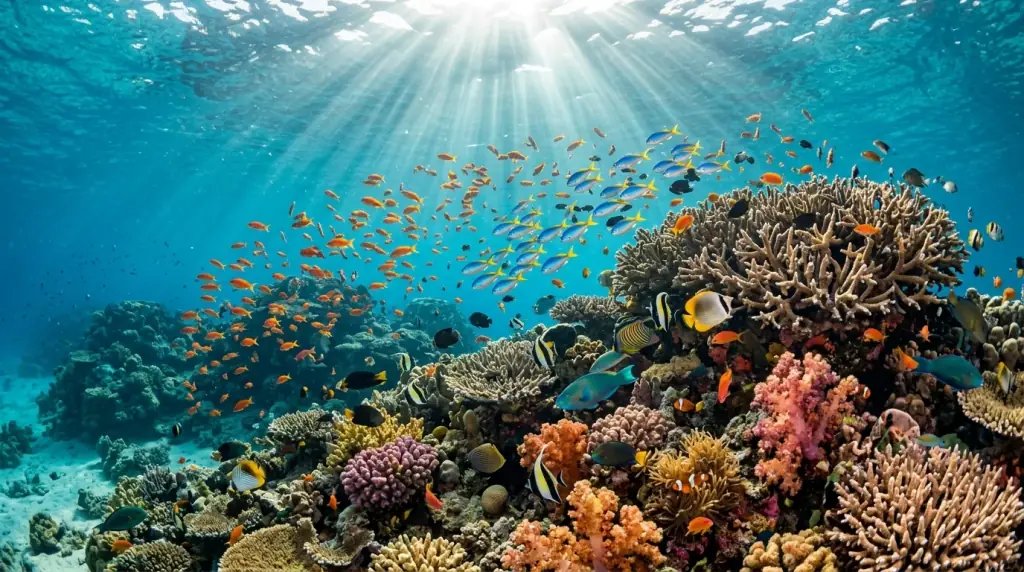
Coral reef ecosystem
Vibrant coral reef ecosystem, schools of tropical fish, sun rays piercing turquoise water, underwater photography, ultra-detailed
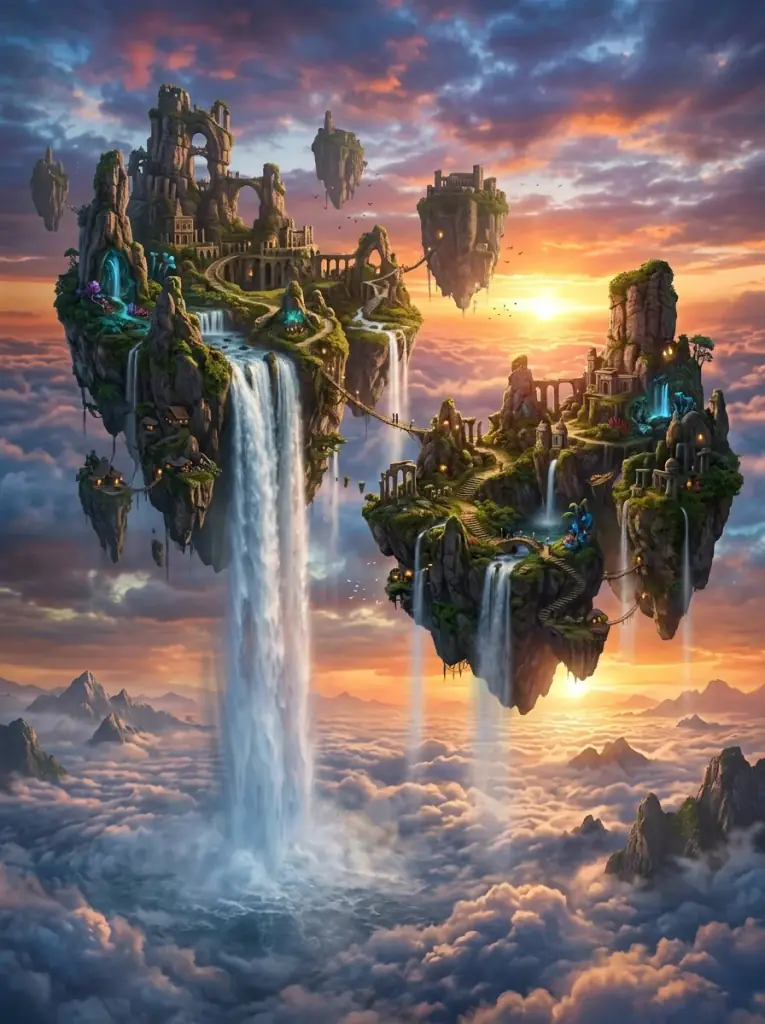
Floating sky islands
Surreal floating sky islands at sunset, waterfalls cascading into clouds, ethereal lighting, hyper-detailed digital matte painting
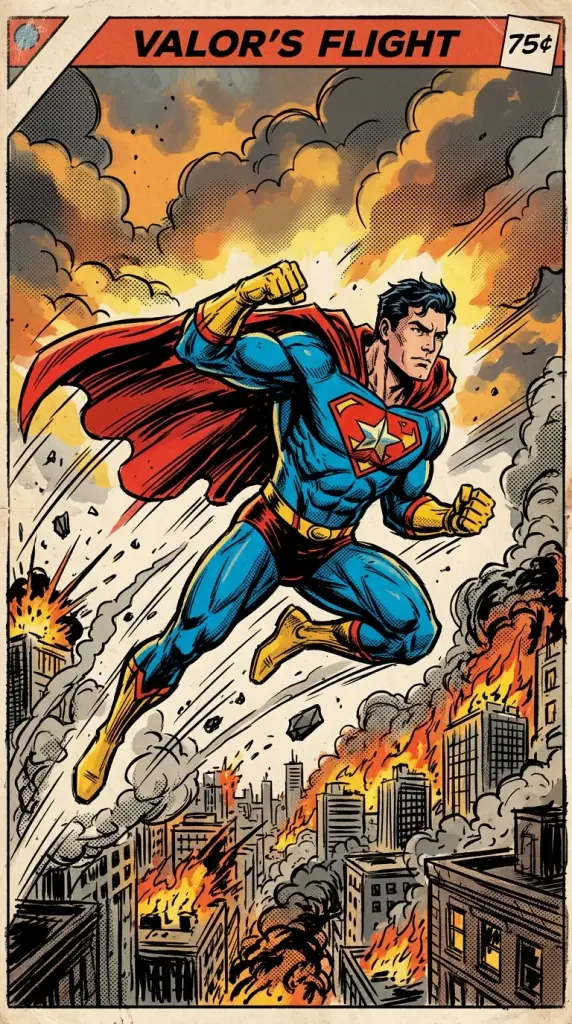
Comic book hero
Heroic comic book character mid-flight action pose, dynamic ink lines, bold flat color palette, halftone shading
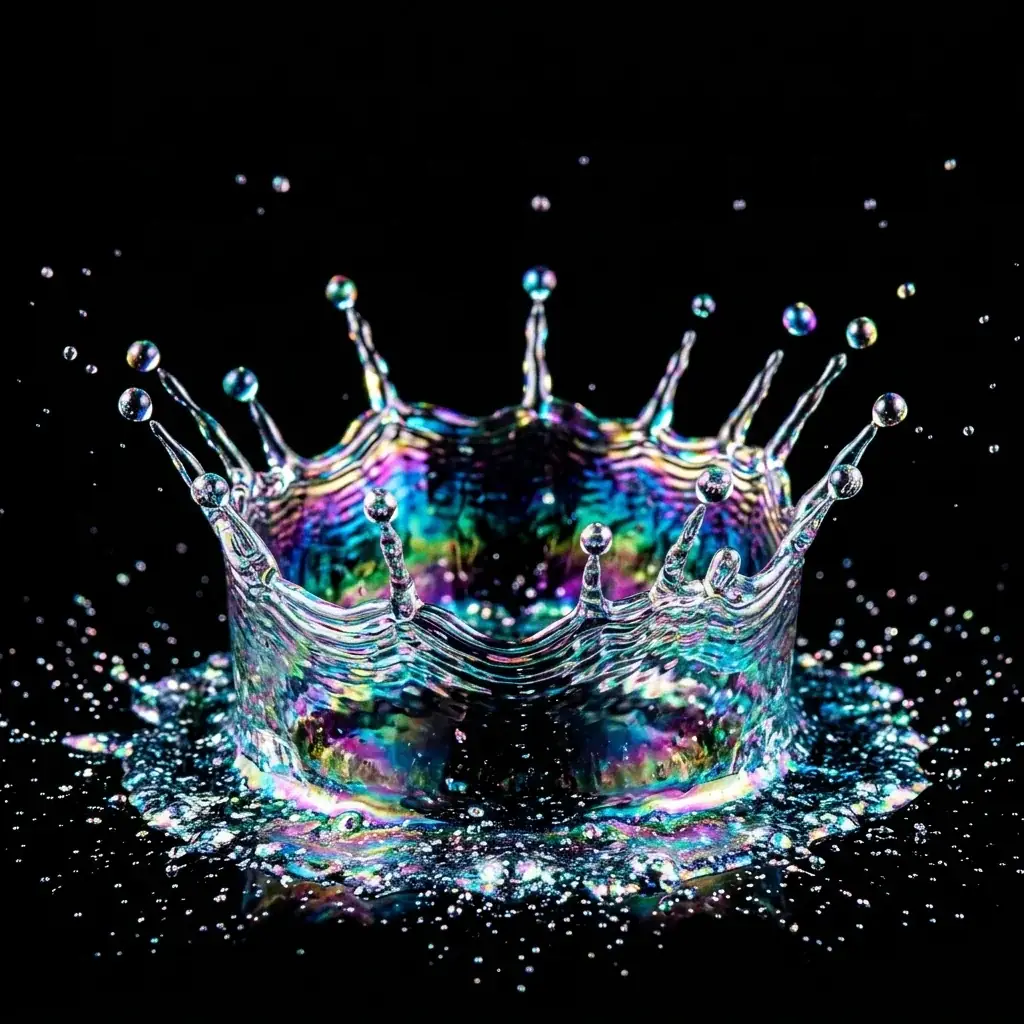
Iridescent splash macro
Macro photograph of an iridescent liquid splash crown, ultra-high speed capture, jet black background, vivid color refraction
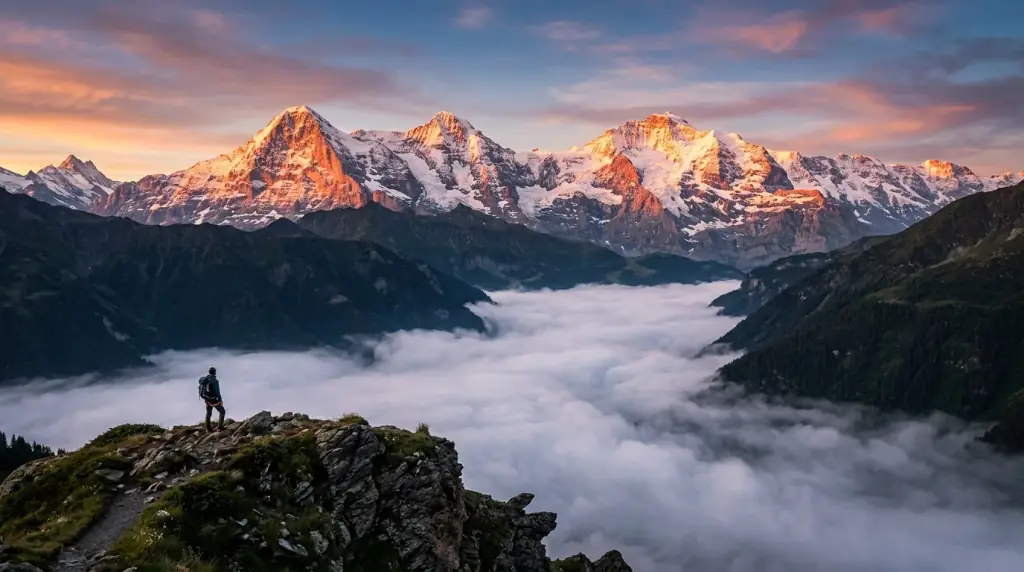
Alpine dawn
Dramatic mountain landscape at dawn, mist filling the valley, golden alpenglow on snow caps, ultra-realistic photography
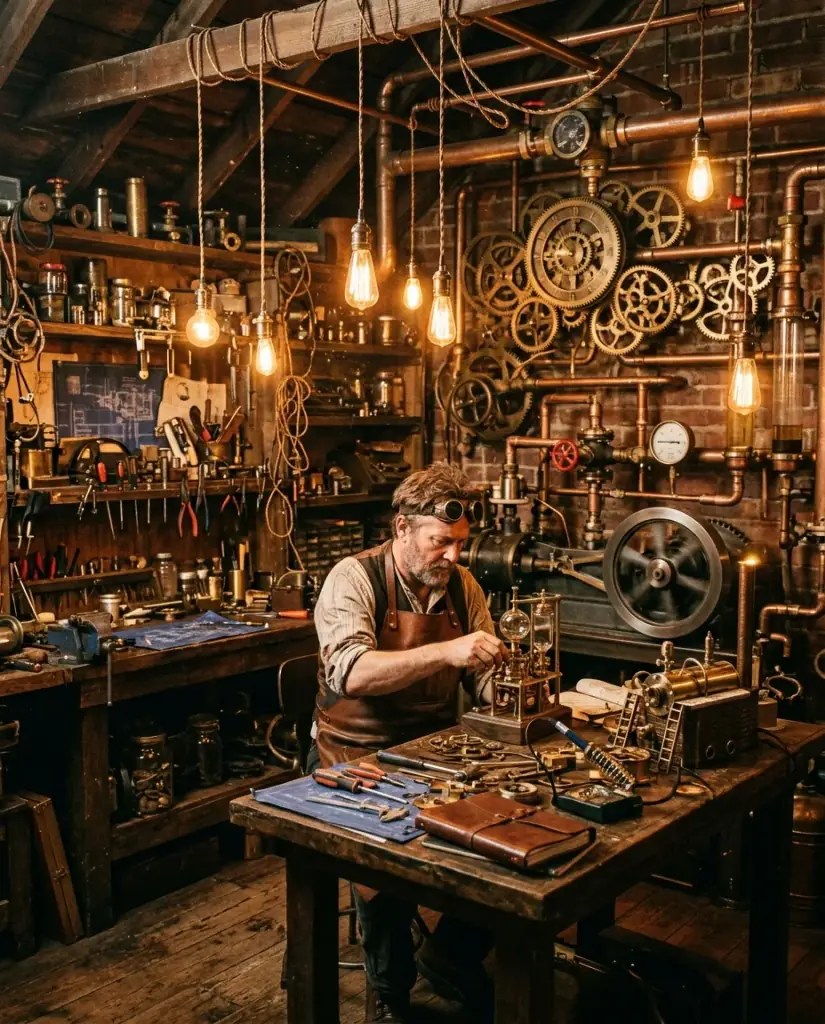
Steampunk workshop
Steampunk inventor's workshop, brass gears and pipes, glowing tungsten filament bulbs, intricate dust-motes atmosphere
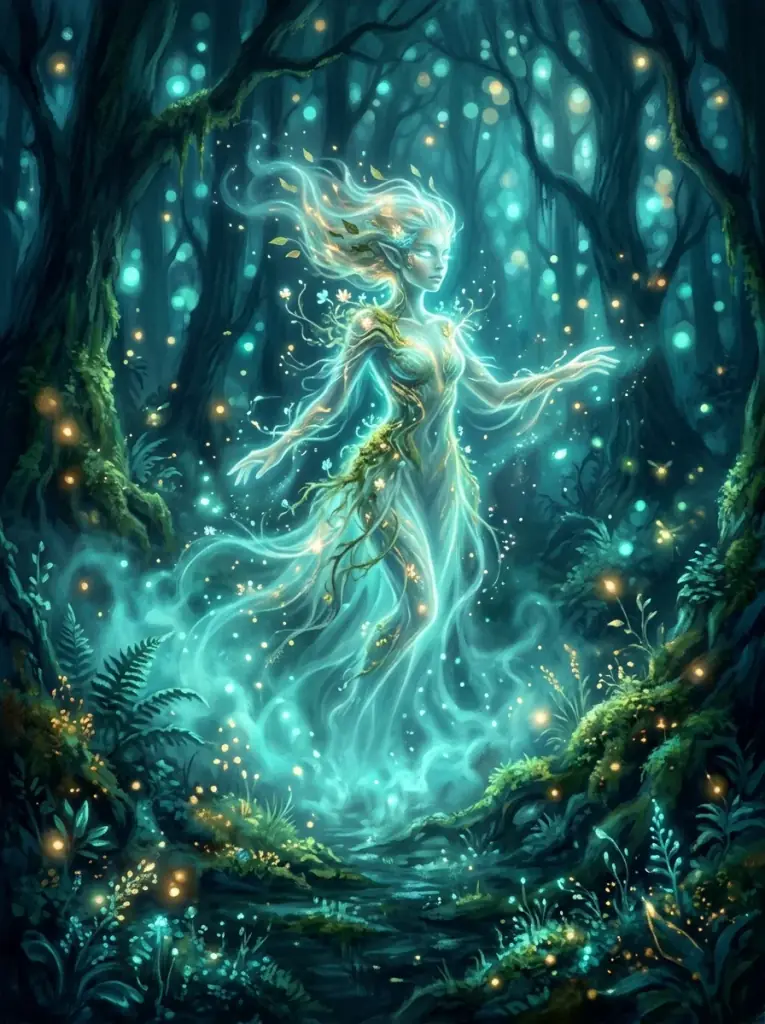
Forest spirit
Ethereal forest spirit emerging from glowing mist, painterly fantasy illustration, soft bokeh light, deep teal palette
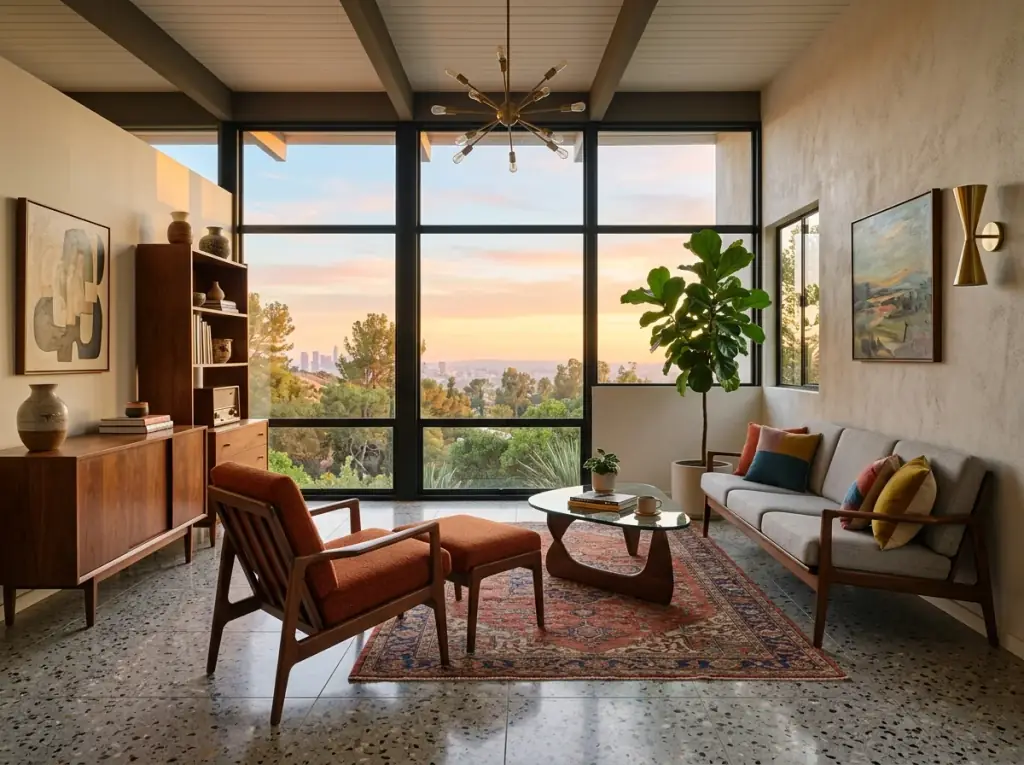
Mid-century interior
Mid-century modern living room interior, walnut furniture, terrazzo floor, large window with sunset light, magazine architectural photography
Prompt facts for SDXL and DreamShaper 8
Prompt characters on SDXL and DreamShaper 8
Negative prompt characters
Per SDXL or DreamShaper 8 image
Images per run
Stable Diffusion Prompts FAQ
What makes a prompt work, which models these templates suit, the length limits, and what it costs to use them.
A clear order: subject first, then medium, setting, lighting, camera and style, with a short negative prompt for failures you can see. Every template on this page follows that order, so you swap in your subject and keep the rest.
Open a Prompt Template
Pick a style, copy the prompt, and run it on SDXL in the playground.