
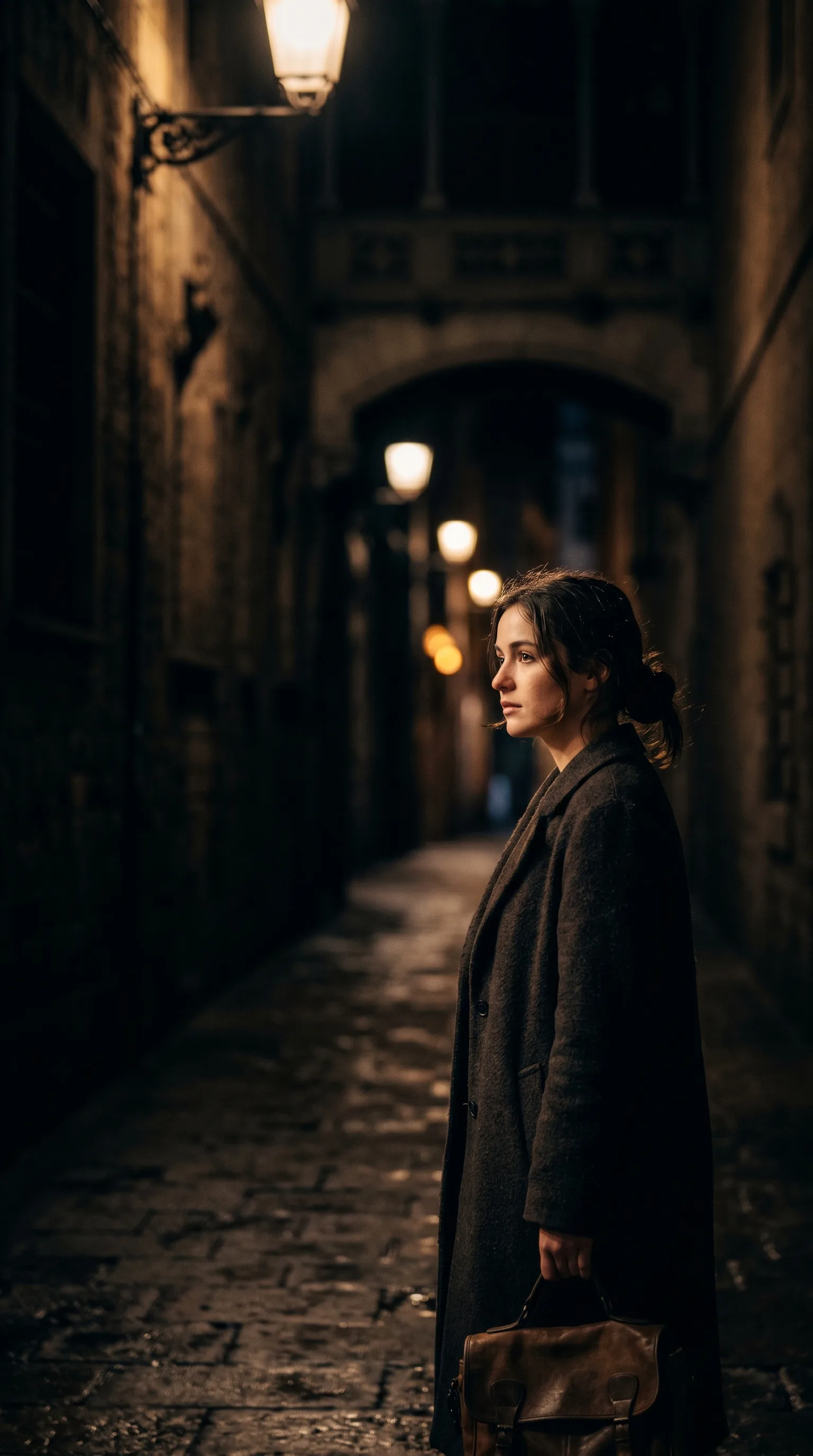
Veo 3.1 - 8-second video with audio
The current form supports text-led or image-led video, 16:9 or 9:16, 720p, 1080p or 4K, a seed control, fixed 8-second output, first/end-frame behavior, and generated audio.
Veo 3.1 8-second video examples
The gallery illustrates scene, dialogue, camera, time-lapse, nature, and stylized directions; it is not a benchmark or a guarantee of audio sync, fidelity, or motion.
Why Veo 3.1
Veo 3.1 is a selectable paid-access video workflow whose form owns the current input, ratio, resolution, seed, frame, duration, and audio behavior. Review every returned clip.
Text-led and image-led modes
Text mode requires a prompt. Image mode requires a source image and makes the prompt optional, so select the mode from the input you actually possess.
First- and end-frame behavior
Image mode exposes first/end-frame support. The supplied frames guide a transition but do not guarantee exact intermediate motion or a pixel-matched ending.
One source-image field
The schema declares one image-upload field rather than a multi-reference gallery. Do not claim several independent character or style references.
16:9 and 9:16 ratios
The aspect-ratio control offers landscape and vertical formats. Ratio changes framing, not prompt adherence or production readiness.
720p, 1080p, and 4K settings
The resolution control offers three values. Inspect delivered dimensions, compression, detail, and text after every run.
Fixed duration, seed, and audio metadata
Model metadata declares 8 seconds, an estimated 120 seconds of processing, 200 credits, seed control, and generated audio. These remain run settings or estimates, not quality guarantees.
Who uses Veo 3.1's 8-second clips with audio, and for what?
Video creators, marketers, storyboard artists, and product teams can use these candidate 8-second workflows to evaluate frame, ratio, resolution, seed, and audio behavior; every clip still needs review.
Short hero-shot tests
Test one focused shot at a selected ratio and resolution, then inspect motion, text, anatomy, and audio before choosing an output.
Dialogue and sound concepts
Use generated audio as a candidate track and check words, timing, lip movement, effects, and ambience rather than assuming synchronization.
Opening-to-ending transitions
Provide the supported frame input to test a planned reveal or transition, then compare both ends and the path between them.
Vertical and landscape variants
Hold the prompt and seed constant while comparing 9:16 with 16:9, then check whether cropping or composition drift changes the subject.
Resolution comparisons
Compare 720p, 1080p, and 4K with the same setup, recording delivered dimensions, visual artifacts, and credit estimates.
Ad and explainer concepts
Generate an 8-second candidate for downstream editing; rights, claims, brand details, captions, and final audio still require human review.
What a run costs and returns
Available in the form today, each priced in the same credits.
Includes a commercial licence for what you make.
Accepted for upload, up to 10 MB per file.
The longest prompt every model on this page accepts.
Veo 3.1 8-second video and audio FAQ
Answers about input modes, frame behavior, ratios, resolutions, seed, fixed duration, audio metadata, paid access, credits, and review limits.
Veo 3.1 is a selectable paid-access video workflow in this app. The live form defines its text, image, frame, ratio, resolution, seed, duration, and audio behavior.
Test a current Veo 3.1 workflow
Open the generator, confirm paid-model access, choose a supported input, ratio, resolution, and seed, review the credit estimate, and inspect the 8-second result.