
AI Image Prompt Generator - AI Prompt Builder
Build sharp prompts in seconds with the AI image prompt generator - templates for portrait, product, concept art, and stylized work.
Who uses the AI image prompt generator, and how?
Creators, designers, marketers, and ecommerce teams use these portrait, product, concept-art, and style structures to prepare repeatable prompts before opening the image generator.
1. Pick a Scene Archetype
Portrait, product, concept, poster
Start from a known-good template. Generating a prompt from scratch wastes credits; modifying a template that already works is the fastest path to a good image.
2. Swap in Your Subject
Replace [SUBJECT] with specifics
"Cinematic portrait of a young woman" → "Cinematic portrait of an elderly fisherman". The template structure stays; only the subject token changes.
3. Tune Lighting & Mood
Match the look to the brief
Swap "golden hour" for "neon backlight" or "overcast diffuse" if the mood shifts. Lighting tokens carry most of the visual weight in any text-to-image prompt.
4. Add the Negative Prompt
Exclude failures directly
"Blurry, deformed, extra fingers, low quality, watermark" - every prompt benefits from a baseline negative. Add more entries if you keep seeing a specific failure mode.
Prompt Templates by Style
Copy a template, swap the subject, and run it in the playground.
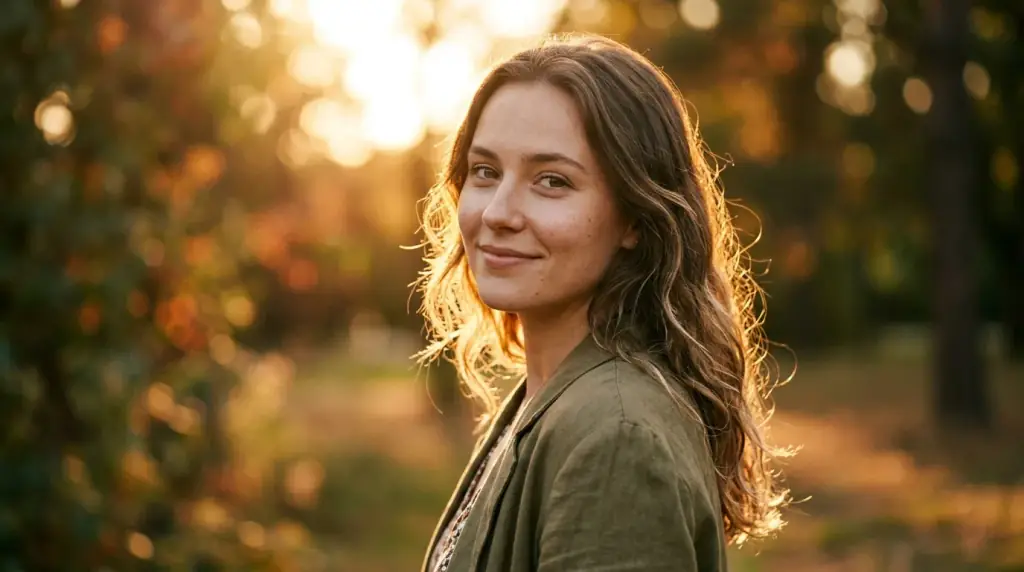
Cinematic Portrait
Cinematic portrait of [SUBJECT], golden hour backlight, 85mm lens, shallow depth of field, soft skin texture, film grain - negative: blurry, deformed, low quality.


AI Image Prompt Generator FAQ
How the prompt generator works, what templates ship by default, and how to customize.
The AI image prompt generator gives you tested prompt templates - subject + medium + lighting + camera + style + negative - so you can swap in your specifics and skip the trial-and-error phase.